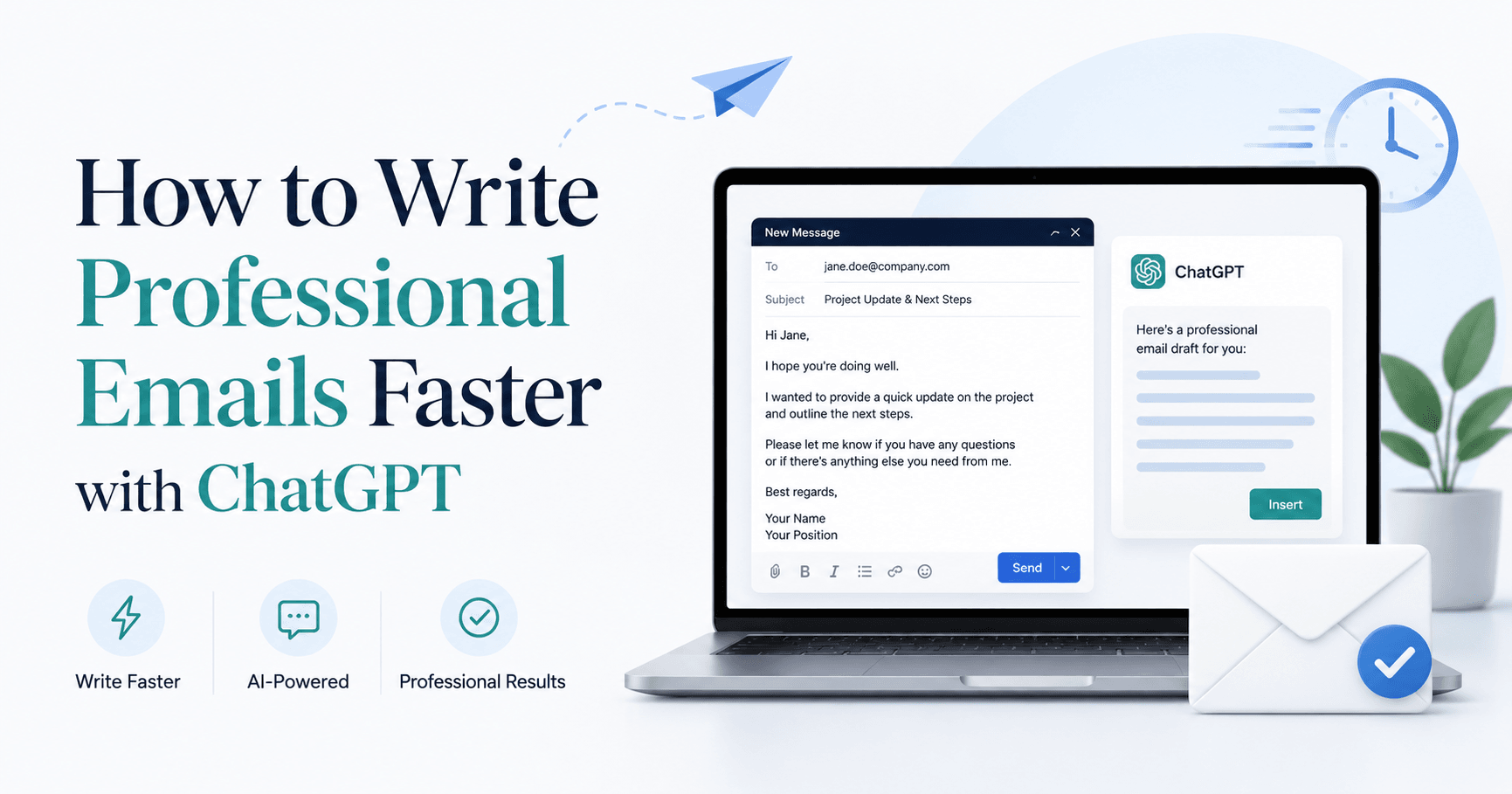

Writing a professional email sounds simple, but a great email does much more than share information. It shows that you are clear, organized, respectful, and proactive. A weak email can create confusion, delay decisions, or lead to unnecessary back-and-forth. A strong email helps people understand the situation quickly and know exactly what to do next.
ChatGPT can be a powerful tool for writing professional emails, but only when it is used correctly. Many people make the mistake of typing something vague like “write me an email” and expecting a perfect result. The problem is that ChatGPT needs context. Without enough detail, it may create an email that sounds generic, too formal, too robotic, or missing important information.
The key is not just asking ChatGPT to write. The key is teaching it how you want to communicate.
Start by Setting the Right Tone
Before writing emails with ChatGPT, it helps to adjust the tool so it understands your preferred style. If you are using ChatGPT for corporate or professional communication, your writing style should usually be polished, precise, and clear.
A professional tone does not mean cold or complicated. It means the email should be easy to understand, respectful, and useful. In most workplace situations, the best emails are direct, concise, and structured.
You can guide ChatGPT by telling it to write in a natural professional tone. For example, you can ask it to avoid sounding robotic, overly excited, too fluffy, or too formal. You can also tell it to use short sentences, avoid unnecessary jargon, and end with a clear next step when appropriate.
This matters because professional emails are not only about grammar. They are about how you come across. A well-written email can make you seem prepared, thoughtful, and reliable.
Use Custom Instructions for Better Results
One of the best ways to improve your emails is to give ChatGPT custom instructions. These instructions act like a writing profile. They help ChatGPT understand how you want your emails to sound every time.
For example, you can tell ChatGPT:
Write in clear, natural English. Use a professional, polished, and human tone. Be direct, concise, and well structured. Avoid sounding robotic, overly formal, or filled with corporate filler. When writing emails, include a strong subject line, match the relationship with the recipient, and prioritize clarity and usefulness. If important information is missing, ask me to confirm instead of guessing.
That last part is especially important. ChatGPT should not invent details for your emails. If it makes assumptions, your message can become inaccurate or even create problems at work. A good email assistant should ask for missing information when needed.
You can also include details about your role, industry, or communication preferences. For example, if you are a project manager, a coordinator, a business owner, or part of a client-facing team, ChatGPT can adapt the email to fit that context.
The Biggest Mistake: Giving ChatGPT Too Little Context
The quality of the email depends heavily on the quality of the prompt. A simple request like “write a professional email to my manager” is not enough.
ChatGPT needs to know who you are, who the recipient is, why you are writing, what background information matters, and what outcome you want. The more clearly you explain the situation, the better the email will be.
This does not mean your prompt needs to be complicated. It just needs to include the right information.
A strong email prompt should include:
Your role
Who the email is going to
Your relationship with the recipient
The purpose of the email
The background context
The tone you want
The key points that must be included
The action you want the recipient to take
Anything ChatGPT should avoid mentioning
Your sign-off details, if needed
Once you provide these details, ChatGPT can create an email that feels much closer to something a competent professional would actually send.
A Simple Prompt Template for Professional Emails
You can use this structure whenever you want ChatGPT to write an email:
Write a professional email for me.
My role is: [your role]
The recipient is: [recipient name or role]
My relationship with them is: [internal colleague, client, manager, supplier, etc.]
The purpose of the email is: [main goal]
The context is: [what happened and why you are writing now]
The recipient likely cares about: [their priorities, concerns, or goals]
The tone should be: [formal, warm, direct, polite, persuasive, apologetic, etc.]
The email must include:
[point one]
[point two]
[point three]
The call to action is: [what you want them to do next]
Do not mention: [anything sensitive or unnecessary]
Sign off with: [your name or role]
Please include a clear subject line and an email body that sounds natural, professional, and human.
This template works because it gives ChatGPT the details it needs before it starts writing. Instead of forcing you to rewrite the email several times, it helps produce a stronger first draft.
Why Subject Lines Matter
A strong subject line is one of the most important parts of a professional email. It tells the recipient what the message is about before they open it. It also helps them understand whether the email is informational, urgent, or requires a decision.
For example, a weak subject line might be:
Project update
A stronger subject line would be:
Month-End Reporting Project Update and Decision Required
The second subject line is better because it is specific. It tells the recipient what the topic is and makes it clear that action may be needed.
When using ChatGPT, always ask for a clear subject line. This small detail can make your email more useful and easier to prioritize.
Make the Email Easy to Act On
A professional email should move something forward. It should not just explain a situation and leave the recipient wondering what to do.
That is why every important email should include a clear next step. This might be asking someone to confirm a decision, review an attachment, approve a recommendation, respond by a certain date, or provide missing information.
For example:
Could you please confirm which option you would like us to proceed with by Friday?
This is clear, polite, and actionable. The recipient knows exactly what is expected.
ChatGPT can help you write this kind of call to action, but you need to tell it what outcome you want.
Keep It Human
One common problem with AI-generated emails is that they can sound too polished or artificial. Professional does not mean robotic. A good email should still sound like a real person wrote it.
To avoid robotic writing, ask ChatGPT to keep the email natural and concise. You can also ask it to remove corporate filler, avoid clichés, and use simple language.
Instead of writing:
I hope this email finds you well. I am reaching out to provide a comprehensive update regarding the current status of the project.
A more natural version would be:
I wanted to share a brief update on the project and highlight one decision we need to make this week.
The second version is clearer, shorter, and more human.
Review Before Sending
Even when ChatGPT creates a strong email, you should always review it before sending. Check that the facts are correct, the tone fits the relationship, and nothing sensitive has been included by mistake.
You should also make sure the email sounds like you. ChatGPT can create the structure and wording, but your judgment is still important.
Before sending, ask yourself:
Is the purpose clear?
Is the tone appropriate?
Is anything missing?
Is there a clear next step?
Could the recipient misunderstand anything?
Does this sound like something I would actually send?
This final review helps you avoid mistakes and makes the email feel more authentic.
Final Thoughts
ChatGPT can help you write professional emails much faster, but the best results come from giving it the right instructions. Instead of asking for a basic email, provide context, tone, key points, and the action you want the recipient to take.
A great professional email is clear, useful, and easy to respond to. It shows that you understand the situation, respect the recipient’s time, and know how to move things forward.
With the right setup and a strong prompt template, ChatGPT can become a reliable assistant for everyday workplace communication. It can help you save time, reduce unnecessary back-and-forth, and write emails that sound professional, natural, and effective.







Комментарии0
Пожалуйста, войдите, чтобы оставить комментарий.