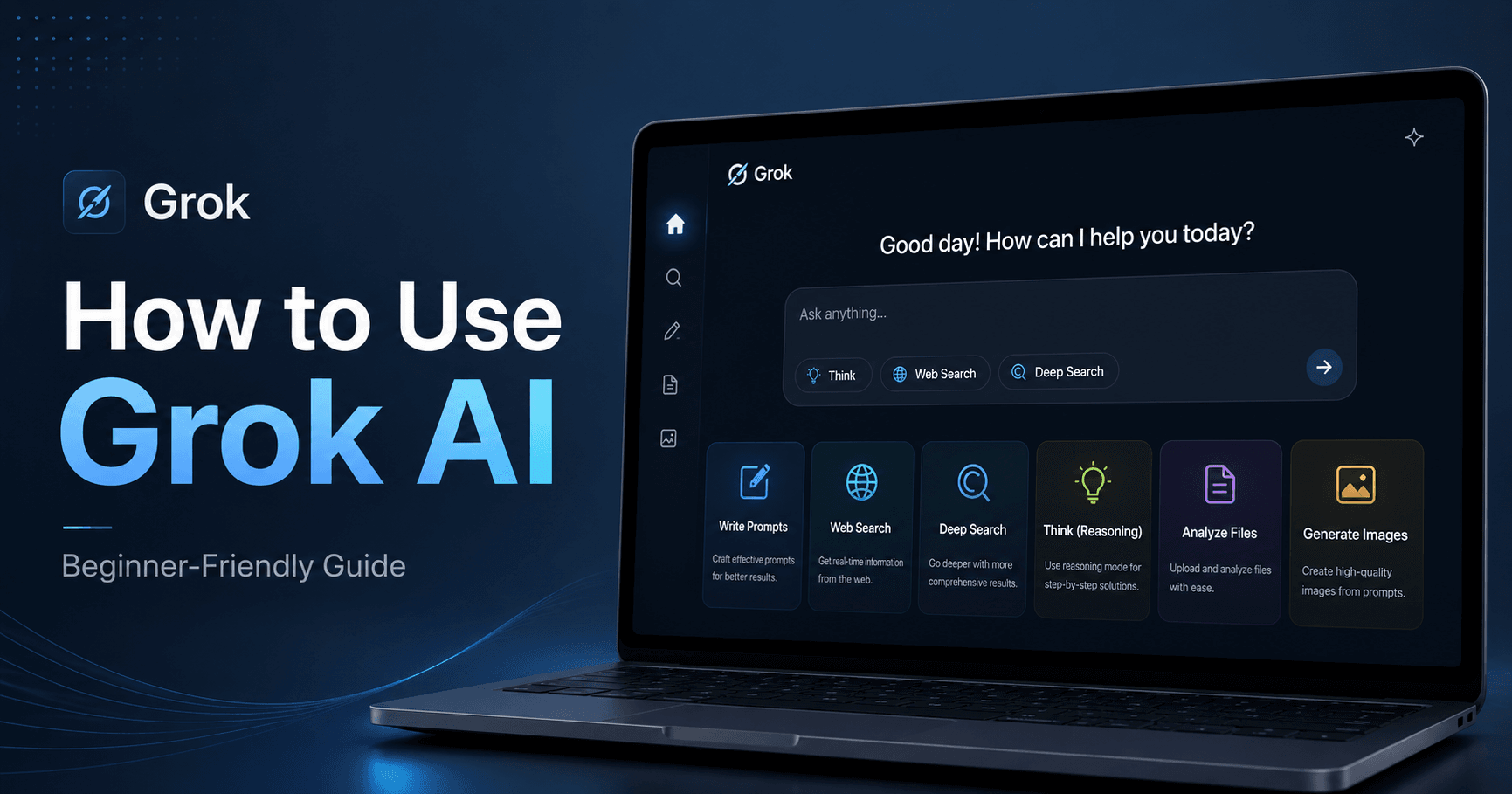

Grok is one of the AI tools that has started to stand out because of its fast updates, simple interface, and powerful features. At first glance, it feels similar to ChatGPT, Gemini, or Claude. You get a chat box, file upload options, web search, image tools, and different ways to customize how the AI responds.
But Grok has its own style. To get the best results, you need to understand how to set it up, how to write better prompts, and when to use features like DeepSearch, Think Mode, Canvas, files, personas, and workspaces.
This guide walks you through the most useful ways to use Grok AI, especially if you are just getting started.
1. Start With the Right Settings
Before using Grok seriously, it is worth adjusting a few settings.
Go to your profile picture, open Settings, and then choose Customize. There, you can select different response styles. For example, Concise gives short answers, Formal is better for business-style writing, and Socratic explains things in a more educational way.
You can also create a custom style. This is useful if you want Grok to understand who you are, what kind of work you do, and how you prefer answers to be written. The more specific you are, the better the results will usually be.
2. Adjust Your Data Controls
If you plan to use Grok for sensitive tasks, open the data control settings. You may want to turn off model improvement and personalized responses based on your conversation history.
Personalized memory can be useful, but it can also make answers less predictable, especially if you use the same account for both work and personal tasks. Keeping it off can help Grok focus only on the current conversation.
You can also connect Google Drive or Microsoft OneDrive, which makes it easier to work with files without uploading everything manually each time.
3. Use Clear Prompts
A good Grok prompt usually needs three things: format, style, and restrictions.
Instead of writing a vague prompt like:
“Explain pasta.”
Try something clearer:
“Explain how to cook pasta for a beginner. Use a casual tone, write step-by-step bullet points, keep it under 100 words, and do not mention brand names.”
This gives Grok a clear direction. It knows how long the answer should be, what tone to use, and what to avoid.
The best part is that you do not need complicated prompt formulas. Plain English works well. Just explain exactly what you want.
4. Give More Context
Grok performs better when it understands your situation. If you need a school outline, say your grade level. If you want a story, mention the tone, length, and audience.
For example:
“I am a high school student and I need a short outline about gut microbiome research.”
Or:
“Write a 500-word funny story about space travel for beginners.”
These details help Grok avoid guessing and produce a more useful answer on the first try.
5. Break Big Tasks Into Smaller Steps
For complex work, do not put everything into one massive prompt. Break the task into smaller parts.
For example, if you want an essay about the French Revolution, start by asking for a broad outline. After that, ask Grok to expand each bullet point into a paragraph with key dates and events.
This method is called iterative refinement. It helps you guide the result step by step instead of hoping the first answer is perfect.
You can also ask Grok to pause for feedback before continuing. This is useful for long articles, coding tasks, research projects, and data analysis.
6. Use Examples to Get Better Results
If you want Grok to copy a specific writing style, give it an example. You can paste a sample text or upload a file.
For example:
“Here is a short example of how I write my video scripts. Please write a similar script about prompting for Claude.”
Grok can study the tone, structure, and rhythm of the example, then create something similar. This works well for blog posts, scripts, simple explanations, outlines, or any format that needs to follow a specific style.
7. Ask Grok to Review Its Own Work
After Grok writes something, you can ask it to critique the text. A good trick is to start a new chat, paste the draft, and ask:
“Please critique this text for clarity and style. Suggest ways to make it better.”
A fresh chat helps Grok review the content without being influenced by the previous conversation. This can improve your writing, remove weak parts, and make the final version more polished.
8. Turn On Web Search
If you need current information, turn on web search. Grok can pull information from the internet and use it in the answer.
This is useful for recent news, updated tools, market research, product comparisons, and topics that change often.
For more advanced research, Grok also has DeepSearch and DeeperSearch. DeepSearch gives stronger results than a normal web search, while DeeperSearch goes further and is better for more detailed research.
When using DeepSearch, be specific. Instead of asking:
“Research migraines.”
Ask:
“Do a deep search on evidence-based migraine treatments from 2021 onward. Only include official journals and avoid personal blogs.”
Clear limits help Grok bring back better sources and avoid weak information.
9. Use Think Mode for Reasoning
Grok includes a Think button for reasoning tasks. Turn it on when you need step-by-step logic, comparisons, problem solving, or deeper analysis.
For example, you can ask:
“First, identify the formulas needed for this math problem. Next, show how to plug in the numbers. Finally, give the answer.”
You can also ask Grok to compare two sides of a decision:
“Convince me why option A is the best choice. Then act as a critic and argue for option B.”
This is helpful for planning, writing arguments, making decisions, and testing ideas.
10. Create and Edit Images Carefully
Grok can generate images, but image prompts need clear details. Before writing the prompt, think about the scene: location, subject, mood, colors, style, and action.
A better image prompt might include:
“A cozy workspace at night, a laptop on a wooden desk, warm lighting, soft shadows, modern minimalist style.”
If you do not mention a style, Grok may create a generic AI-looking image. Add details like watercolor, cyberpunk, realistic, minimal, cinematic, or hand-drawn style.
For editing images, be specific. Instead of saying:
“Make it better.”
Say:
“Make the background darker, change the sky to sunset, and keep the main subject unchanged.”
Specific instructions give Grok a better chance of editing the correct part of the image.
11. Upload Files for Better Analysis
Grok can work with uploaded files like PDFs, spreadsheets, and documents. This is useful when you want summaries, comparisons, reports, or data insights.
For example:
“I am attaching my sales data from 2022. Analyze it and find the main trends.”
You can also compare multiple files:
“Compare the 2021 data with the 2022 data and show what changed in customer demographics.”
After Grok analyzes the file, ask it to turn the result into something useful, such as a short bullet list, formal report, email summary, or presentation outline.
12. Use Personas and Workspaces
Personas let you change Grok’s style or role. For example, you can ask it to respond like a teacher, doctor, marketer, developer, or business consultant. This helps the answer sound more focused and professional.
Workspaces are like separate project rooms. You can keep chats, files, and instructions organized by topic. For example, you can have one workspace for personal tasks and another for business projects.
Each workspace can have its own default instructions, such as tone, formatting rules, or preferred response style. This makes Grok easier to use for repeated tasks.
Final Thoughts
Grok is simple to use, but it becomes much more powerful when you guide it properly. The key is to write clear prompts, give enough context, set limits, and choose the right feature for the task.
Use web search for updated information, DeepSearch for research, Think Mode for reasoning, file uploads for analysis, and workspaces to stay organized.
The most important rule is simple: use plain English and be specific. The more clearly you explain what you want, the better Grok can help.







Комментарии0
Пожалуйста, войдите, чтобы оставить комментарий.