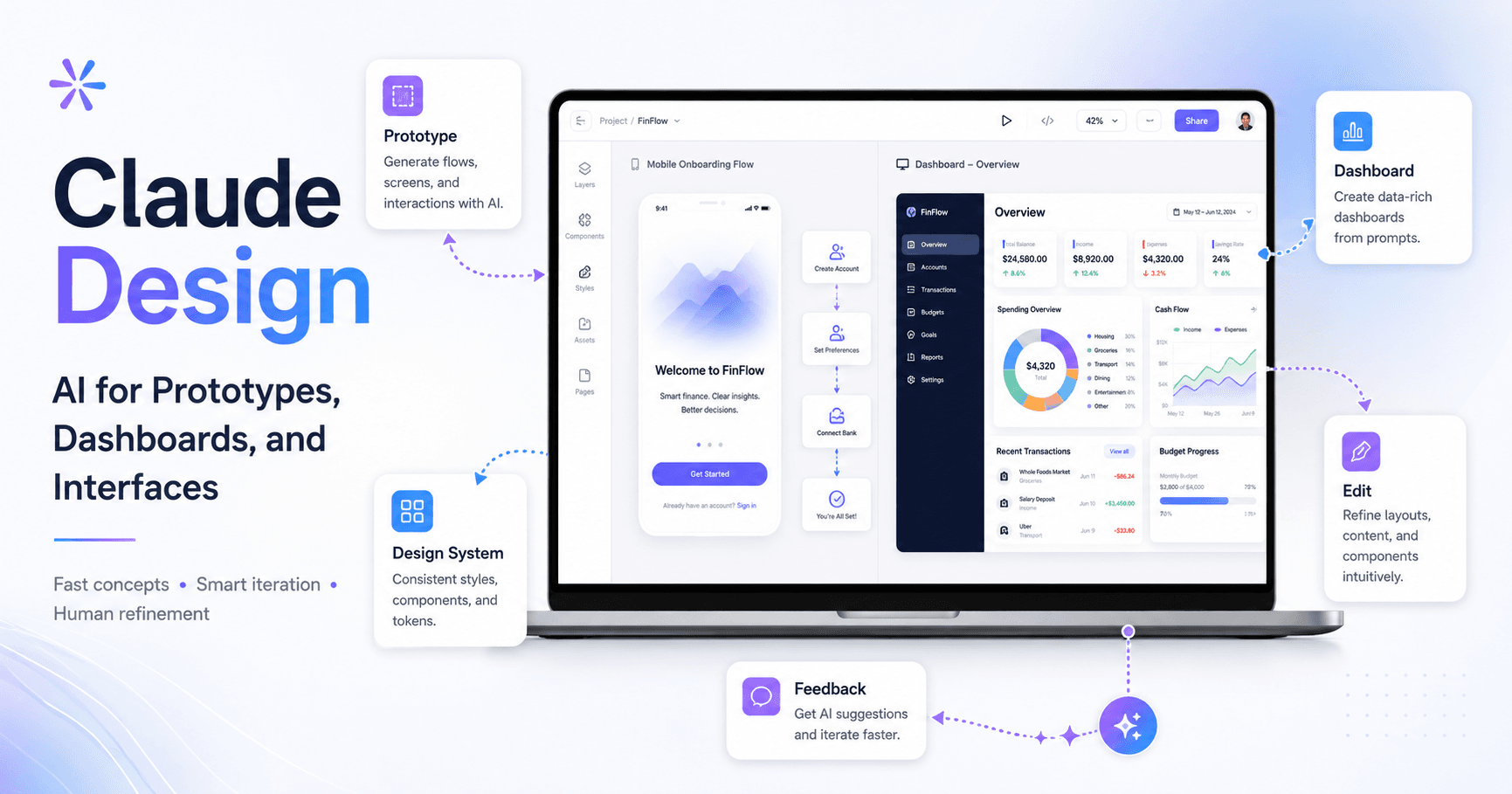

Claude Design is a new Anthropic tool focused on creating prototypes, interfaces, and visual experiences with the help of artificial intelligence. The idea is to allow designers, creators, and product teams to turn prompts into functional screens, navigable flows, and visual concepts much faster.
But like any AI tool, it is not perfect. Claude Design can significantly speed up the exploration phase, but it still requires human review, manual adjustments, and attention to usage costs.
What is Claude Design?
Claude Design works as an environment where you can create prototypes from prompts. Instead of starting a screen from scratch in Figma, you describe what you want to build, and the AI generates an initial visual version.
The tool lets you start with either a wireframe or a high-fidelity prototype. In practice, many designers today prefer to go straight to high fidelity, especially because modern teams often work with design systems, component libraries, and ready-made UI kits.
In the example from the transcript, the first test was to create a mobile onboarding flow for a futuristic education platform. After the initial prompt, Claude Design asked additional questions to better understand the product, the audience, the visual style, the onboarding steps, and the desired level of experimentation.
This is an important point: Claude Design does not only generate a screen. It tries to understand the context before creating.
How to Create a Prototype with Claude Design
The process starts with a simple prompt.
For example:
“Create an onboarding flow for a futuristic mobile education platform.”
After that, Claude Design may ask questions such as:
What is the core concept of the product?
Who is the target audience?
Which visual style do you prefer?
Which steps should be included in the onboarding?
Should the prototype be for iOS or Android?
Should the visual style be simple or more experimental?
These questions help the AI generate a result that is more aligned with the original idea.
In the test shown in the transcript, the initial result was considered very good for a first version. The mobile prototype included welcome screens, goal selection, level diagnosis, personalization, and even a free trial screen.
For an initial exploration phase, this can save a lot of time.
Claude Design Also Works for Dashboards
Besides mobile apps, Claude Design can also generate web interfaces and dashboards.
In the transcript example, a dashboard was created for a financial management application. The result included elements such as net worth, available cash, insights, cash flow, accounts, and recent transactions.
Even so, some problems appeared. There were empty spaces, oversized sections, and elements that needed adjustments. This shows that Claude Design can create a good foundation, but it does not automatically deliver a perfect final layout.
The tool also allows you to test variations in density, color, chart style, and privacy mode. This is useful for quickly exploring different visual directions.
Editing AI-Generated Designs
After the design is created, you can make adjustments directly in the interface.
Claude Design allows you to edit elements, change text, adjust colors, modify font weights, and update specific components. For small changes, this can be very practical.
For larger changes, the tool offers comments. You can select an area of the screen, leave a note, and ask Claude to apply the change.
For example:
“This insights card needs to show different information.”
Or:
“This section is too tall. Reduce the number of transactions.”
Claude then tries to apply those comments to the design.
This approach is interesting because it brings the process closer to a real design review workflow. Instead of manually rebuilding everything, you guide the AI with feedback.
Integration with Claude Code and Figma
One of the most interesting features is the possibility of sending the design to Claude Code.
In the workflow shown in the transcript, the user exports or hands off the project to Claude Code and then tries to push the result into Figma using MCP and connected skills. The process worked, but it took a few minutes, and the result still required manual adjustments.
This shows a promising workflow:
First, you generate the concept in Claude Design.
Then, you send it to Claude Code.
Next, you move it into Figma.
Finally, you adjust and refine it manually.
This workflow can be useful for creating first versions, presenting ideas, or speeding up prototypes. But it still does not replace the careful work of a designer inside Figma.
Using a Design System in Claude Design
Claude Design also allows you to import a design system, for example, from a Figma file.
In theory, this is very powerful. The AI should analyze your components, colors, fonts, spacing, and styles to create new screens that follow your brand rules.
In practice, the result still seems inconsistent.
In the transcript, Claude Design managed to recognize some parts of the design system, such as colors, border radius, and a few components. But it also made mistakes with fonts, sizes, style names, and color usage. In one example, it used green as the main button color, even though in the design system that color was only used for success states.
This is an important point: the more complex the design system, the greater the chance of inconsistencies.
For large teams, this can become a problem. Enterprise design systems usually have hundreds of components, variations, tokens, and rules. If the AI does not interpret everything correctly, the designer needs to spend time correcting it.
The Problem of Tokens and Cost
One of the biggest warnings from the transcript is the usage cost.
Generating screens, reviewing designs, importing design systems, and requesting adjustments consumes many tokens. At one point, the creator of the video hit the usage limit and had to upgrade the plan.
This changes how we should look at Claude Design.
It is not an “unlimited” tool for generating anything without cost. Every attempt, adjustment, and correction can consume credits. For independent designers, this can become expensive. For companies, it can become a budget issue.
For this reason, Claude Design seems best suited for:
Initial idea exploration
First visual drafts
Quick interface variations
Concept testing
Layout inspiration
Simple prototypes for presentations
For final refinement, Figma and human review are still essential.
Will Claude Design Replace Designers?
The most realistic answer is: not right now.
Claude Design can accelerate parts of the process, but it still does not replace visual judgment, product strategy, accessibility, user research, brand consistency, and detail refinement.
The role of the designer will likely change. Instead of creating everything manually from the beginning, designers can use AI to generate alternatives, test ideas, and arrive faster at a good direction.
But it will still be necessary to evaluate what makes sense, correct inconsistencies, adapt the design to the design system, think about the user experience, and make product decisions.
AI helps produce faster. The designer is still responsible for quality.
When is Claude Design Worth Using?
Claude Design is worth using when you want to move quickly from an idea to a first visual version.
It is useful for creating:
Onboarding flows
Landing pages
Dashboards
Mobile apps
Login flows
Product prototypes
Interface variations
Visual concepts for presentations
But it still requires caution in projects with complex design systems, many brand rules, or high precision requirements.
Conclusion
Claude Design is a promising tool for designers, creators, and product teams. It allows you to transform prompts into visual prototypes, test ideas quickly, generate dashboards, create mobile flows, and even work with design systems.
Its biggest value is the speed of the first version.
Instead of opening a blank screen, you can start with a visual proposal generated by AI. Then comes the most important work: reviewing, adjusting, correcting, refining, and turning that idea into something truly usable.
Claude Design does not eliminate the designer. It changes the starting point.
The tool still has limitations, especially in design system accuracy, token consumption, and consistent quality in larger projects. But for exploration, visual brainstorming, and creating first versions, it already shows enormous potential.







Comments0
Please sign in to leave a comment.