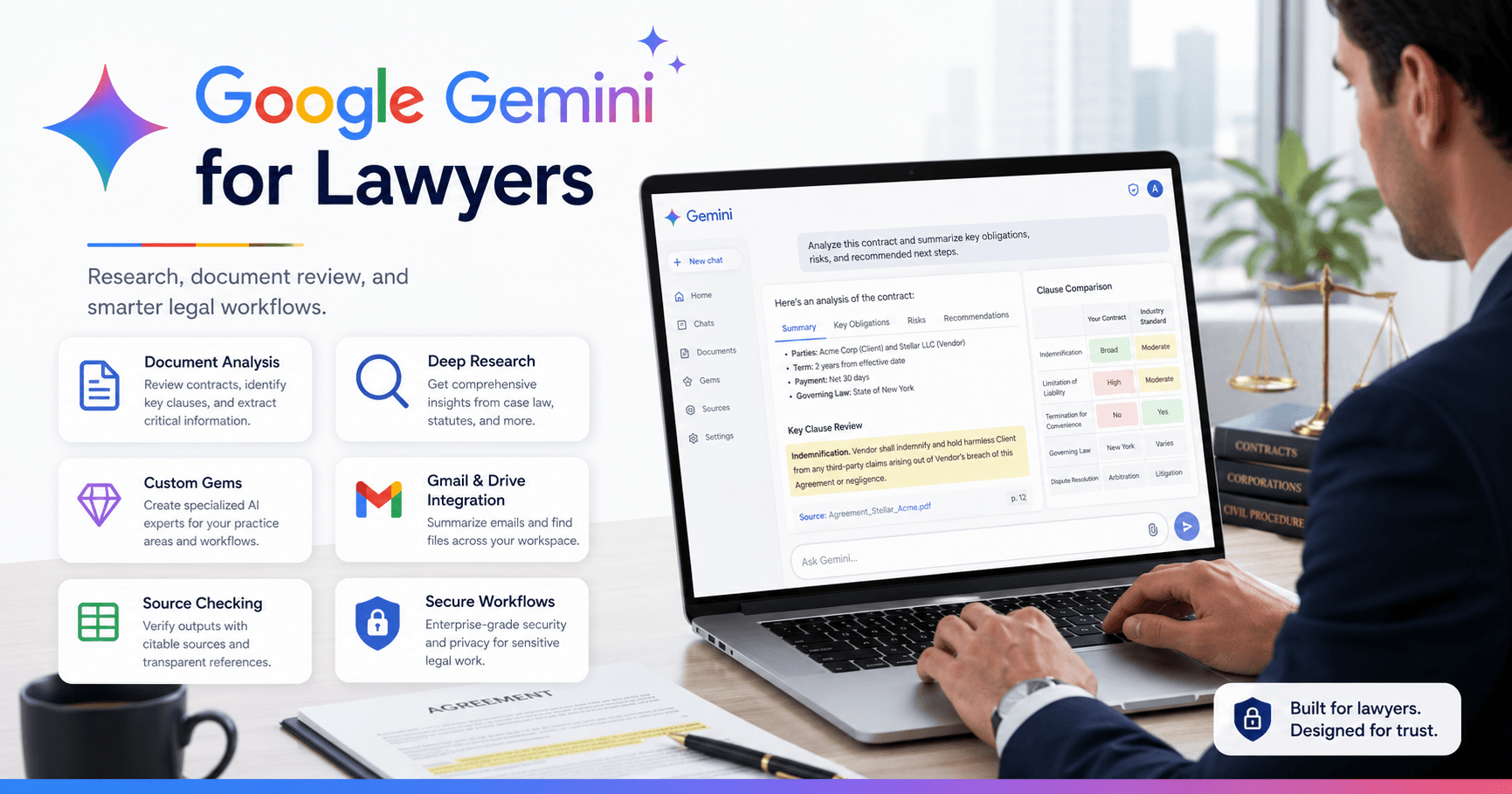

Google Gemini is becoming a useful AI assistant for lawyers and law firms that want to save time, organize information, review documents, draft content, and improve daily workflows.
For firms already using Google Workspace, Gemini is especially practical because it connects naturally with Gmail, Google Drive, Google Docs, Sheets, and other Google tools. The main value is not just asking simple questions, but using Gemini for document analysis, research, source checking, content creation, custom AI assistants, and workspace automation. This article is based on a tutorial transcript about Gemini for legal professionals.
Why Gemini Matters for Legal Work
Legal work depends on accuracy, organization, research, and careful document review. Lawyers often deal with long contracts, client emails, legal research, internal procedures, marketing content, and repetitive tasks.
Gemini can help with:
Reviewing long legal documents
Summarizing emails and conversations
Drafting client-facing content
Creating tables from complex information
Generating research reports
Checking sources
Creating custom AI assistants
Working with Google Workspace data
It should not replace legal judgment, but it can reduce repetitive work and help lawyers focus on higher-value tasks.
Security and Google Workspace
One reason Gemini can be attractive for law firms is its connection with Google Workspace.
If a firm already uses Gmail, Drive, and Docs through Google Workspace, Gemini may already fit into the existing environment. This makes adoption easier because lawyers do not need to move everything into a separate platform.
The transcript also highlights that when Gemini is used through Google Workspace, the data provided is not used to train Google’s models. This is important for firms that handle sensitive information.
For firms that need HIPAA-related protection, Google Workspace can also support a Business Associate Agreement through admin settings. This may be relevant for personal injury firms, healthcare-related matters, or practices handling protected health information.
Even with these protections, lawyers should still follow internal policies, avoid unnecessary exposure of sensitive data, and confirm compliance requirements before using AI with confidential material.
Choosing the Right Model
Gemini offers different models depending on the task.
A faster model works well for simple summaries, quick explanations, short drafts, and basic formatting. For more complex legal work, such as reviewing a contract or analyzing risks, a stronger reasoning model is better.
Deep Research is useful when a lawyer needs a broader report based on online sources. It takes longer, but can produce structured research with references.
A simple rule:
Use a fast model for quick tasks.
Use an advanced model for complex review.
Use Deep Research for detailed research reports.
Source Checking and Hallucination Risk
AI tools can make mistakes or invent information. In legal work, this is a serious issue because an incorrect source, law, case, or deadline can create real problems.
Gemini helps reduce this risk by showing where some information comes from. When it uses Google Search or uploaded documents, it can provide references and source indicators. Some models also allow users to double-check responses with Google Search.
This does not remove the need for human review, but it makes it easier to inspect the reliability of an answer.
For legal use, the safest approach is clear: treat Gemini as an assistant, not as the final authority.
Document Analysis for Lawyers
One of the most practical uses of Gemini is document analysis.
A lawyer can upload a contract, agreement, PDF, or Word document and ask Gemini to identify important points.
For example:
“Highlight any key red flags or pitfalls in this agreement for the buyer.”
Gemini can review the document and return a structured response with possible risks, clauses, obligations, limitations, and areas that deserve closer review.
A useful advantage is that Gemini can reference the original document. It may show which page or excerpt supports a specific point. This makes it easier for the lawyer to verify the answer instead of trusting the AI blindly.
This is especially helpful for long documents, but the original language should always be reviewed before making decisions.
Canvas for Legal Content Creation
Canvas is a workspace inside Gemini that works like a collaborative document editor.
Instead of receiving a normal chat answer, the content appears in an editable side panel. This is useful for drafting legal marketing content, client education posts, internal memos, article drafts, and LinkedIn posts.
For example, a personal injury lawyer can ask Gemini to draft a LinkedIn post explaining how liens are handled in a personal injury case. Then, inside Canvas, the lawyer can edit the text directly.
You can ask Gemini to:
Make a paragraph shorter
Change the tone
Add more detail
Suggest edits
Add hashtags
Export the content to Google Docs
Canvas is useful because it keeps the lawyer in control while speeding up the drafting process.
Image Generation for Legal Marketing
Gemini can also generate images for marketing, blog posts, social media, presentations, and educational content.
A law firm might ask:
“Generate an image of an attorney walking into the office.”
After the image is created, it can be refined with follow-up prompts, such as changing the background, adjusting the setting, or improving the style.
The best way to use this feature is as part of a broader creative workflow. Gemini can generate visual assets, and then the firm can refine them in tools like Canva or another design platform.
Deep Research for Legal and Business Topics
Deep Research is useful when lawyers need a detailed overview of a topic.
Unlike a normal answer, Deep Research creates a plan first. The user can review or edit that plan before Gemini starts researching. Then it searches multiple sources and produces a structured report.
This can help with:
Understanding a legal topic
Researching immigration options
Preparing client education material
Studying business or industry trends
Creating internal training content
Building a starting point for deeper research
The final report may include tables, summaries, sources, and structured sections. It can also be exported to Google Docs or turned into an audio overview.
Deep Research is not a replacement for specialized legal research tools, but it can be a strong starting point.
Custom Gems for Repetitive Workflows
Gems are custom AI assistants inside Gemini.
A law firm can create a Gem for a specific task, give it instructions, and attach knowledge files. This is useful for repeated workflows.
Examples include:
Reviewing acquisition agreements
Drafting LinkedIn posts
Summarizing intake information
Creating email responses
Explaining legal topics to clients
Supporting internal training
Reviewing standard procedures
For example, a firm could create an M&A review Gem with instructions and reference documents. Then the lawyer would not need to upload the same files or repeat the same context every time.
Gems can save time by turning repeated work into reusable AI workflows.
Gemini with Gmail, Drive, and Google Apps
Gemini can also work with Google Workspace apps.
A lawyer can ask Gemini to summarize past Gmail conversations, find information in Google Drive, or help organize information across the workspace.
For example:
“Provide a summary of all discussions I had with this contact.”
Gemini can search Gmail and create a summary, while also showing where the information came from.
This is useful because many law firms already store important information in email threads, documents, and shared folders.
Google AI Studio and Advanced Features
Google AI Studio is a more advanced environment for using Gemini. It gives more control over model settings, creativity level, structured output, code execution, and Google Search grounding.
For technical teams, AI Studio can be useful for testing advanced workflows and automation ideas.
It also includes experimental tools like video generation and real-time streaming, where the AI can interact through voice, screen sharing, and webcam input.
These features are still evolving, but they show how AI may become more useful for training, support, and internal operations.
NotebookLM for Knowledge Organization
NotebookLM is another Google tool powered by Gemini. It allows users to upload and organize many sources, including files, websites, Google Drive documents, YouTube videos, and pasted text.
Users can then ask questions, generate FAQs, create study guides, produce briefing documents, and generate audio overviews.
However, the transcript warns that NotebookLM is not HIPAA compliant. Because of that, it should not be used with sensitive client data or protected health information.
For general research, training, public materials, or non-sensitive knowledge management, it can still be useful.
Gemini Inside Google Docs, Gmail, and Sheets
Gemini is also being integrated directly into Google products.
In Gmail, it can help write emails.
In Google Docs, it can help draft and edit text.
In Google Sheets, it can help analyze data.
This matters because lawyers do not always need to open Gemini separately. They can use AI assistance inside the tools they already use every day.
Final Thoughts
Google Gemini can be a strong AI assistant for law firms, especially those already using Google Workspace.







Comments0
Please sign in to leave a comment.