
Finding the right academic papers can be one of the most time-consuming parts of research. Many students, teachers, and researchers spend hours searching through endless results, trying to identify which studies are relevant, reliable, and useful.
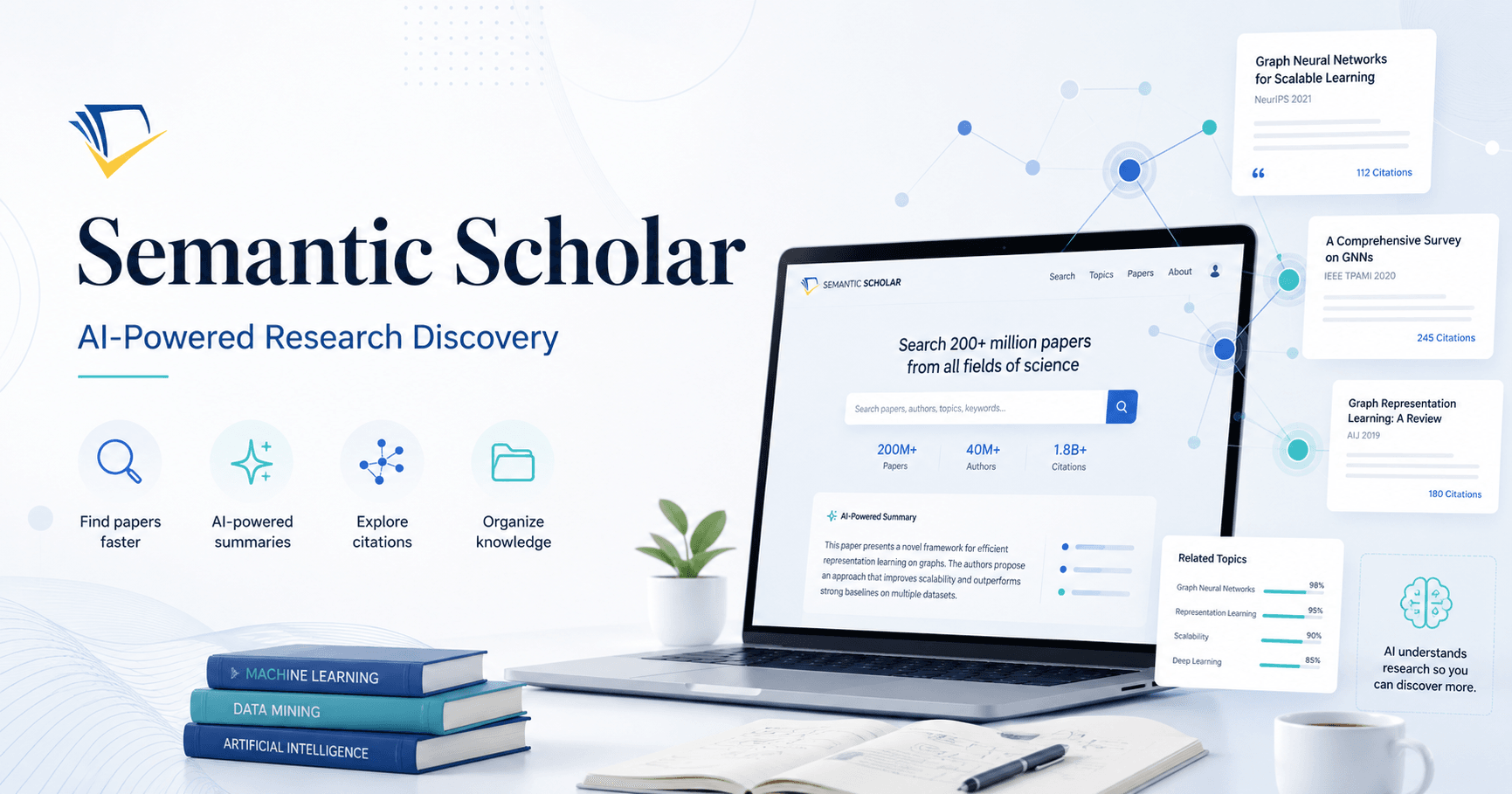
Semantic Scholar was created to make this process easier. It is a free AI-powered academic search engine that helps users discover research papers, understand citations, explore authors, save papers, and organize literature more efficiently.
Unlike traditional search engines that mainly depend on keywords, Semantic Scholar uses artificial intelligence, machine learning, and natural language processing to understand the meaning behind research papers. This means it can identify related studies, important citations, influential papers, and useful summaries with more accuracy.
What Is Semantic Scholar?
Semantic Scholar is an academic research discovery tool developed by the Allen Institute for AI. Its main goal is to help people search smarter and understand research faster.
Instead of simply showing every paper that contains a keyword, Semantic Scholar analyzes the content and context of academic papers. It looks at how studies are connected, which citations are important, and which papers are most influential in a field.
This makes it especially useful for literature reviews, research projects, classroom preparation, and academic writing.
Why Use Semantic Scholar?
Semantic Scholar offers several features that make research easier.
First, it is completely free to use and does not require institutional access for basic searching. Users can search for papers directly from the homepage without creating an account.
Second, it provides AI-generated summaries called TLDRs. These short summaries help users quickly understand the main idea of a paper before reading the full abstract or PDF.
Third, it highlights highly influential citations. This is helpful because not every citation has the same value. Some papers are cited because they are central to a topic, while others may only be mentioned briefly. Semantic Scholar helps identify the citations that matter most.
The platform also includes citation graphs, author profiles, related papers, open-access links, reading lists, folders, alerts, and an AI-powered PDF reader called Semantic Reader.
Getting Started with Semantic Scholar
To begin, open your browser and go to Semantic Scholar. The homepage has a simple layout with a search box in the center.
You can search without logging in, but creating a free account gives you access to more features. With an account, you can save papers, create folders, manage reading lists, follow authors, and receive alerts when new papers are published.
To create an account, click on “Create Free Account,” accept the terms, and sign up using your email. After verifying your email, you can log in and start organizing your research.
Searching for Research Papers
Once logged in, you can type a research topic into the search bar. For example, you might search for “gamification in library.”
Semantic Scholar will show a clean list of papers related to the topic. Each result usually includes the paper title, authors, source, publication year, citation information, and a short AI-generated TLDR summary.
You can also expand the result to read the full abstract. This is useful because the TLDR gives you a quick idea of the paper, while the abstract provides more detail.
Using Filters to Refine Results
One of the most useful parts of Semantic Scholar is its filtering system.
You can filter results by field of study, date range, author, journal, conference, and availability of PDF. The “Has PDF” filter is especially helpful when you want papers that are freely available to read or download.
You can also sort papers by relevance, citation count, influence, or recency. Sorting by citation count helps you find widely cited papers, while sorting by recency helps you discover newer research.
This is very useful when working on a literature review because you may want both classic influential papers and the latest studies in your field.
Opening and Understanding a Paper
When you click on a paper, Semantic Scholar opens a detailed page with more information.
On this page, you can usually find the DOI, title, authors, TLDR summary, abstract, figures, tables, references, related papers, and PDF or open-access links when available.
The references section helps you explore the studies that influenced the paper. The related papers section helps you discover more research connected to the same topic.
This makes Semantic Scholar useful not only for finding one paper, but also for building a broader understanding of a research area.
Exploring Author Profiles
Semantic Scholar also allows you to click on an author’s name and view their profile.
An author profile may include the number of publications, citation count, h-index, highly influential citations, co-authors, citing authors, and reference authors.
You can also follow an author and create alerts. This means Semantic Scholar can notify you when the author publishes a new paper or receives new citations.
For researchers, there is also an option to claim an author profile. After claiming a profile, authors can update their information, manage publications, add affiliations, and improve the accuracy of their research profile.
Saving and Organizing Papers
When you find a paper that is useful, you can save it to your library.
Semantic Scholar allows you to create folders, which is helpful for organizing papers by topic, project, chapter, or section of a research paper. For example, you can create a folder called “Introduction” and save all papers related to the introduction section of your study.
After saving papers, you can return to your library at any time and continue reading them later.
This is a simple but powerful feature for students and researchers who need to manage many sources during a project.
Exporting References
Another useful feature is reference export.
Inside your library folder, you can select papers and export citations in formats such as BibTeX, MLA, APA, or Chicago. You can either copy the references to your clipboard or download them.
This saves time when preparing the reference list for an academic paper, article, thesis, or assignment.
You can also share folders with co-authors or classmates by copying a shareable link. This makes collaboration easier, especially when multiple people are working on the same literature review.
Creating Research Alerts
Semantic Scholar allows you to create alerts for topics, authors, or papers.
When an alert is active, you can receive notifications by email whenever new research appears in your area of interest. You can manage alert frequency in the settings and choose how often you want to receive updates.
This feature is especially useful for researchers who want to stay current without manually searching every week.
Using Semantic Reader
One of the most interesting features in Semantic Scholar is Semantic Reader.
Semantic Reader is an AI-powered PDF reading interface. It helps users read academic papers more efficiently by highlighting important sections, showing inline summaries, and making citations interactive.
When reading a paper with Semantic Reader, you can navigate through the document using thumbnails or a table of contents. Important sections such as methods and results may be highlighted automatically.
You can also click on citations inside the paper to preview related studies. From there, you can open the cited paper, save it to your library, create an alert, cite it, or explore it further.
This makes academic reading more interactive and connected. Instead of reading a paper in isolation, you can understand how it fits into the larger research network.
Final Thoughts
Semantic Scholar is a valuable tool for anyone involved in academic research. It helps users search smarter, understand papers faster, organize sources, explore citations, follow authors, and stay updated with new publications.
Its AI-generated summaries, citation insights, related papers, author profiles, alerts, library folders, export tools, and Semantic Reader make the literature review process easier and more meaningful.
For students, it can reduce the stress of finding reliable sources. For teachers, it can support classroom preparation and research guidance. For researchers, it can help discover influential studies and keep track of new developments in a field.
If you often search for academic papers, Semantic Scholar is worth adding to your research workflow. It combines artificial intelligence with open academic discovery, making research faster, clearer, and more organized.







Comments0
Please sign in to leave a comment.