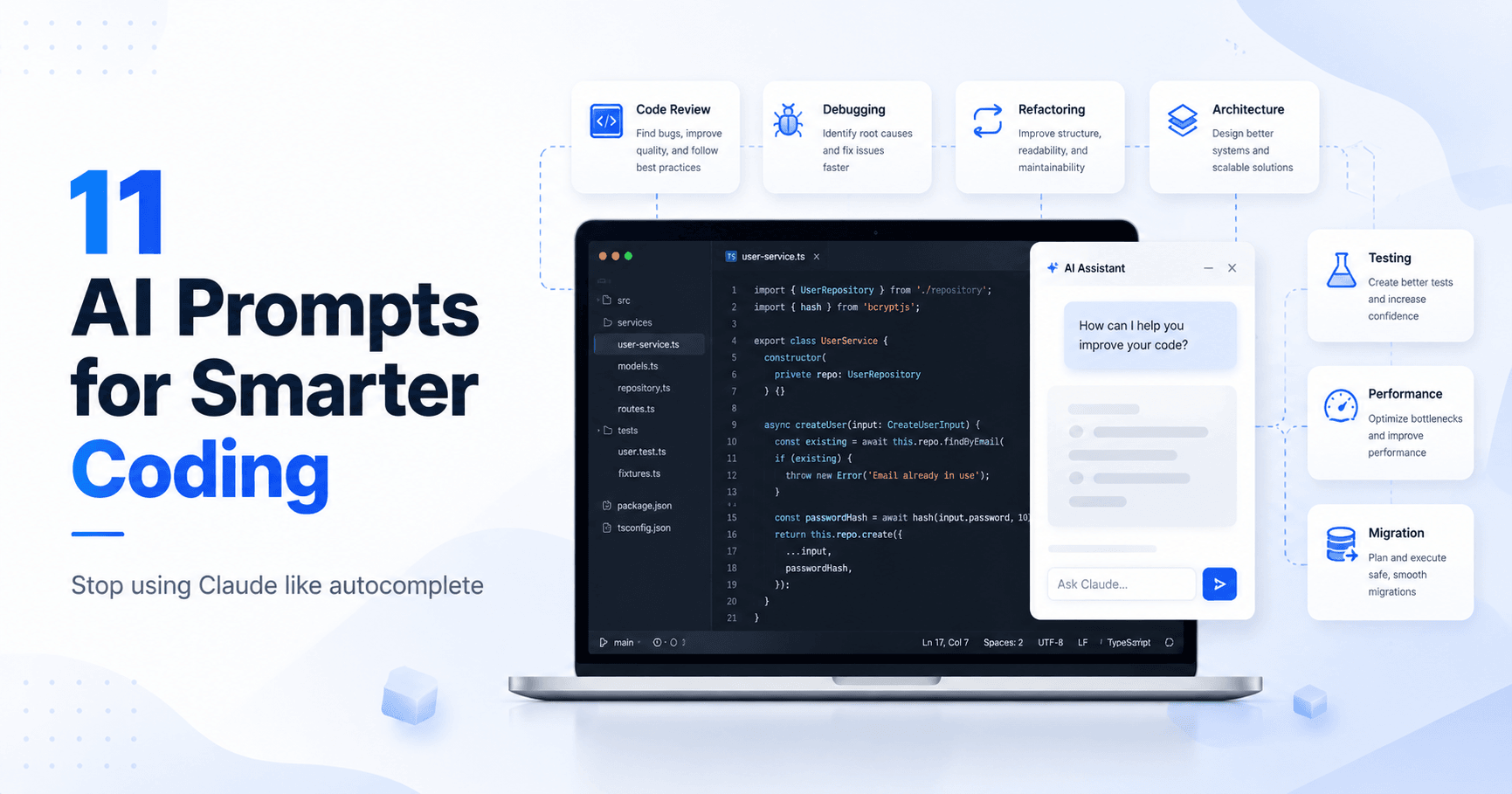

Many people use Claude, ChatGPT, or other coding AIs with simple commands like:
“Write this function.”
“Fix this error.”
“Make the tests pass.”
The problem is that this limits the tool’s potential. You are treating an advanced AI like Stack Overflow with autocomplete.
The real difference is in how you ask.
When you create more strategic prompts, AI stops being just a code generator and becomes a technical partner: reviewing architecture, finding hidden bugs, analyzing performance, planning migrations, and helping you think like a senior engineer.
Below are 11 powerful prompts you can use in real programming projects.
1. Code Review Like a Senior Engineer
Use this prompt when you want to find problems that usually go unnoticed.
Prompt:
Act as a staff engineer at Google with 15 years of experience. Review this code for:
Hidden bugs and edge cases
Performance bottlenecks
Security vulnerabilities
Architectural issues
What you would reject in a Pull Request
Be direct and rigorous. Do not soften the problems.
This prompt is great for turning a superficial review into a truly professional analysis.
2. Refactor Without Breaking the System
Refactoring production code requires care. It is not enough to simply ask the AI to “improve the code.”
Prompt:
Refactor this code with surgical precision:
List every function that calls this code
Identify all side effects and dependencies
Show me a before and after diff
Explain what could break in production
Write the migration path
Treat this like a production system, not a test project.
This type of prompt forces the AI to think about real impact, dependencies, and risks.
3. Debug Like an Investigation
Before asking AI to fix a bug, ask it to diagnose the problem.
Prompt:
Do not fix this bug yet. First:
List 5 possible root causes, ranked by likelihood
Explain what evidence would confirm each one
Tell me what I should log or print to verify
Identify which assumptions in my code might be wrong
Suggest the smallest possible test to isolate the issue
Then we will fix it together.
This prompt avoids trial and error. First you understand the problem, then you solve it.
4. Architecture Decision
When you are deciding between two solutions, turn AI into a technical decision partner.
Prompt:
I am choosing between [Option A] and [Option B] for [problem].
Write an ADR covering:
Context and constraints
Trade-offs of each approach
What scales and what breaks with 10x more load
Hidden costs nobody mentions
Your recommendation with reasoning
What I might regret in 2 years
Format it like a real ADR document.
This helps you move beyond “which one is better?” and into a more mature decision-making process.
5. Production-Ready Function
Use this when you want truly reliable code.
Prompt:
Write this function as if it were going to production at a fintech company:
Complete type hints and docstrings
Input validation with specific errors
Logging at the appropriate levels
Error handling for every failure mode
Unit tests covering the happy path and 5 edge cases
Performance considerations
A note about what could go wrong at scale
No shortcuts. No placeholders.
This prompt greatly improves the quality of the response because it clearly defines the expected standard.
6. Technical Mentorship Before the Code
Sometimes the best use of AI is not writing code, but questioning your reasoning.
Prompt:
I am going to explain my approach to [problem]. Do not write code yet.
Your role:
Ask me 5 questions about my assumptions
Point out flaws in my reasoning
Suggest 2 alternative approaches
Tell me what I am overcomplicating
Tell me what I am underestimating
Act like a senior engineer mentoring a junior developer. Be honest.
This prompt is excellent for avoiding bad decisions before you start implementing.
7. Understanding an Unknown Codebase
Ideal when you join a new project.
Prompt:
I am joining a codebase I have never seen before. Here is the structure: [paste the file tree]
Help me understand it like a new team member would:
What is the entry point and main flow?
Which modules are core and which are peripheral?
What patterns and conventions are being used?
Where could I safely make my first change?
What looks legacy or risky?
What questions should I ask the team?
This prompt greatly speeds up onboarding in large projects.
8. Tests That Actually Matter
Not every test adds value. The goal is to test what can break in production.
Prompt:
Do not write generic tests. Write tests that catch real production bugs:
Edge cases based on real user behavior
Race conditions and concurrency issues
Boundary values that break assumptions
Failures from external dependencies
Regression tests for past bugs
Performance tests for critical paths
Skip trivial assertions. Test what actually breaks.
This prompt helps create tests that are more useful and less bureaucratic.
9. Practical Explanation You Can Apply Tomorrow
Use this when you want to learn a concept without receiving a generic explanation.
Prompt:
Explain [concept/library/pattern] to me in 3 layers:
Layer 1: The 30-second version a PM would understand
Layer 2: The 5-minute version with code examples
Layer 3: A deep dive with trade-offs, gotchas, and when NOT to use itSkip the textbook explanation. Give me what I need to apply it in a real project.
This format helps you learn in a progressive and practical way.
10. Performance Investigation
Before optimizing, find out where the real problem is.
Prompt:
This code is slow. Do not optimize yet. Investigate:
Is the bottleneck CPU, memory, I/O, or network?
What is the time complexity? Where is it worst?
What is being allocated and when?
Are there N+1 queries or repeated calculations?
What would a profiler likely show?
What is the cheapest win versus the biggest possible win?
Diagnose before prescribing.
This prompt encourages evidence-based analysis instead of guessing.
11. Migration Without Downtime
For large changes in real systems, planning is essential.
Prompt:
I need to migrate [old system] to [new system] in production.
Plan this like a senior infrastructure engineer:
Pre-migration: what to verify and back up
Rollout strategy: feature flags, canary release, dual writes
Validation: how to confirm correctness during the migration
Rollback plan: what triggers it and how to execute it
Communication: what to tell the team
What could go catastrophically wrong
Treat this like real money is on the line.
This prompt is ideal for thinking about safety, continuity, and reversibility.
Conclusion
The biggest difference is not only which AI you use, but how you talk to it.
Simple prompts generate simple answers.
Strategic prompts generate better analysis, safer decisions, and code that is closer to production reality.
Instead of only asking “fix this,” ask the AI to investigate, review, question, compare, and explain the risks.
That is how you turn Claude, ChatGPT, or any other AI into a true engineering partner.

Comments0
Please sign in to leave a comment.