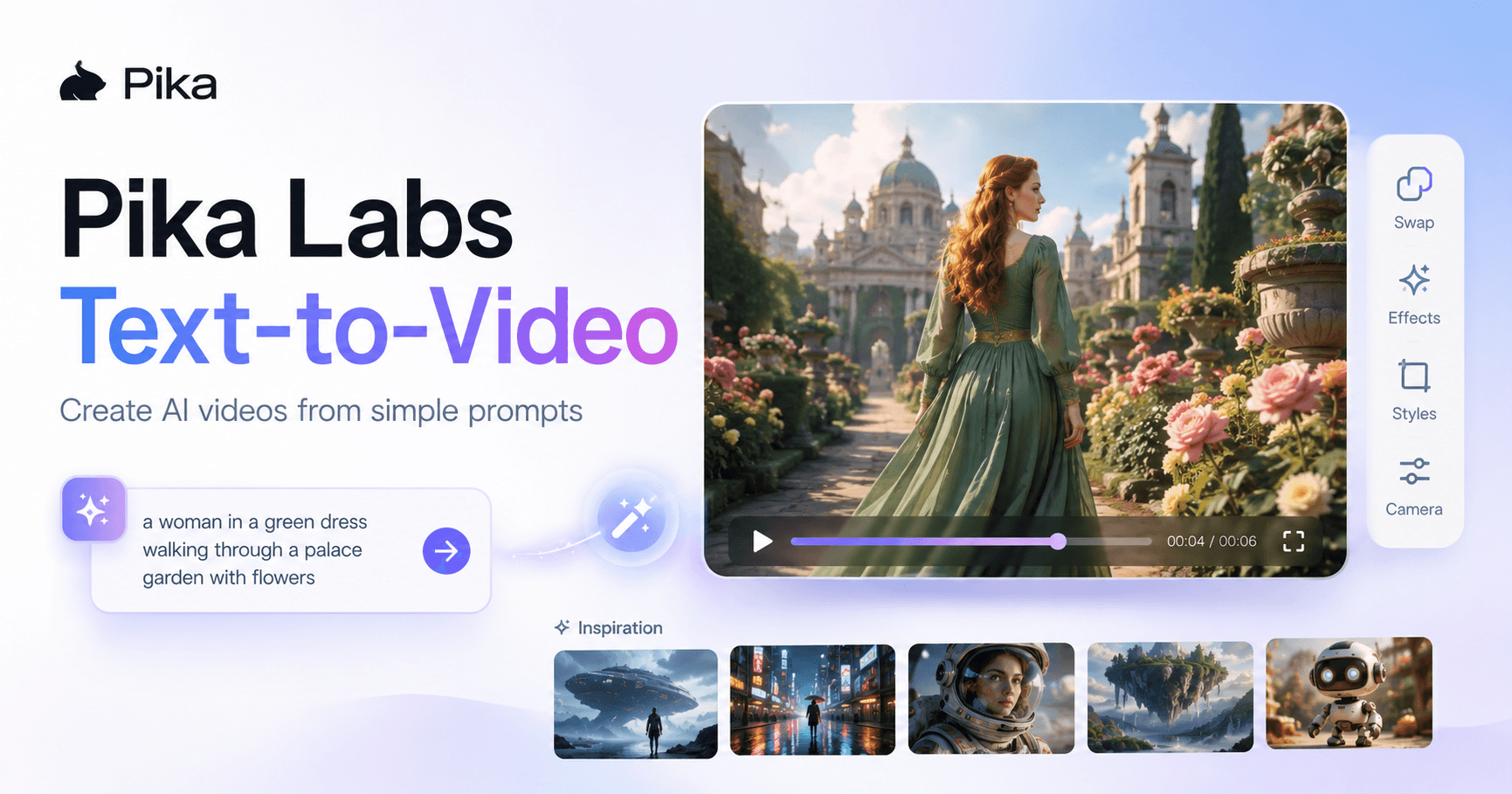

Pika Labs is an AI video generation tool that allows you to create short videos from simple text prompts. Instead of needing advanced editing skills, stock footage, or complex software, you can describe the scene you want and let the AI generate a video based on your idea.
It is especially useful for content creators, social media posts, storytelling videos, creative experiments, and quick visual content. The platform also includes ready-made effects, video editing tools, and inspiration from other users, making it easier to understand what kind of results are possible.
Getting Started with Pika Labs
The first step is creating an account. You can sign up using your Google account or an email address. The good thing is that Pika Labs offers a free plan, so you do not need to start with a paid subscription right away.
After creating your account, you will see your profile in the top-right corner. This area also shows how many credits you have available. Credits are used whenever you generate videos, and the amount used may depend on the video length, the model, and the complexity of the request.
For beginners, the free plan is a good way to test the platform and understand how text-to-video generation works before deciding if a paid plan is worth it.
Exploring Inspiration Before Creating
Before writing your first prompt, it is a good idea to explore the inspiration section. This area shows videos created by other users and can help you understand what kind of prompts work well.
You may find examples such as a coffee floating out of a mug, a selfie with a younger version of yourself, artistic transformations, fantasy scenes, or videos where objects are swapped or added into a scene.
This is useful because AI video generation depends heavily on how you describe your idea. By looking at other examples, you can learn how people structure their prompts and what details they include to get better results.
Pika also allows you to filter inspiration by different tools, such as Pika Twists, Selfies, Frames, Swaps, Additions, and Pika Scenes. This makes it easier to focus on the specific type of video you want to create.
Creating a Text-to-Video Prompt
To create a video, you need to describe the story or scene you want. A simple prompt can work, but a more detailed prompt usually gives better results.
For example, instead of writing:
“A woman walking in a garden”
You can write:
“A beautiful woman with red hair wearing a green dress walks through a palace garden filled with colorful flowers while talking with a friend.”
This version gives the AI more context. It describes the character, the clothing, the location, the atmosphere, and the action. These details help Pika Labs understand the scene more clearly.
When writing a prompt, try to include:
The main subject of the video
The location or background
The action happening in the scene
The style or mood
Important visual details like clothing, colors, lighting, or camera movement
The more specific you are, the better the AI can understand what you want.
Waiting for the Video to Generate
After writing the prompt, you click the generate button and wait for the video to be created. One drawback of using AI video tools is that generation can take some time.
Depending on the model, your plan, and how complex the prompt is, you may need to wait a while before the video is ready. During this time, you can explore other videos, look at examples, or prepare more prompt ideas.
This waiting time is normal for AI video platforms, especially when the tool is creating moving visuals from text.
Using Pika Effects
Pika Labs includes several effects that can help you create fun and eye-catching videos quickly. These effects are useful for short-form content, memes, social media posts, and creative edits.
Some examples include effects like:
Balloonify
Melt it
Explode
Crush it
Cakeify
Squish it
Make it real
Baby me
Younger self
CCTV effect
Magic polaroids
90s style effects
These effects can transform images or videos in a playful way. For example, an object can melt, explode, turn into cake, or be crushed. This type of effect is popular in short videos because it quickly grabs attention.
For creators who need filler content, storytime visuals, or quick animated scenes, these effects can save time and reduce the need to buy royalty-free clips or edit everything manually.
Editing Videos with Pika Swaps
Pika Labs is not only for creating videos from text. It also allows you to edit existing videos using tools like Pika Swaps.
With Pika Swaps, you can replace one object in a video with another. For example, if someone is wearing black sunglasses, you can ask Pika to change them to red sunglasses. You can also replace objects, clothing, or visual details inside the video.
This is useful when the generated video is close to what you wanted but still needs some changes. Instead of starting over completely, you can use editing tools to adjust specific parts of the video.
This gives creators more control and makes the workflow more flexible.
Learning from Other Prompts
One of the best ways to improve with Pika Labs is by studying prompts from other users. The inspiration section shows not only the final videos but also the ideas behind them.
For example, you might see prompts where a person’s head turns into a balloon and floats away, or where a statue moves, smiles, and reveals a surprise face tattoo.
These examples show how creative prompts can lead to more interesting results. They also help you understand the importance of action words. Instead of describing only what something looks like, describe what happens in the video.
For example:
“The statue scratches its head, smiles, looks left and right, and a tattoo fades onto its cheek.”
This is much stronger than simply writing:
“A statue with a tattoo.”
AI video works better when the prompt includes movement, change, and visual progression.
Understanding Credits and Pricing
Pika Labs uses a credit system. Each video generation consumes a certain number of credits. In the transcript example, a video could use around 25 credits, but this can change depending on the video length and complexity.
The free plan gives you a limited number of monthly credits and access to basic features. It is useful for testing the platform, but it may feel limited if you want to create many videos or use more advanced models.
Paid plans give access to more credits, faster generations, additional models, and extra features. Some plans also allow commercial use and downloads without watermarks.
For anyone who wants to use Pika Labs professionally, such as for social media content, ads, client projects, or brand videos, checking the paid plans may be worth it.
Best Uses for Pika Labs
Pika Labs can be useful for many types of creators. It works well for:
Short social media videos
Creative storytelling
Visual experiments
AI-generated ads
Background clips
Fantasy or artistic scenes
Product-style visuals
Memes and viral effects
Quick concept videos
Editing and transforming existing clips
The tool is especially helpful when you need visual content quickly but do not want to spend hours editing or searching for footage.
It is not perfect, and some results may need regeneration. But with clear prompts, good examples, and a little patience, Pika Labs can create interesting and useful videos.
Tips for Better Results
To get better videos from Pika Labs, start with a clear idea. Do not write prompts that are too vague. Add details about the character, location, movement, and style.
It also helps to look at videos created by other users before generating your own. This gives you ideas and helps you understand what the tool does well.
If the first result is not perfect, adjust the prompt and try again. AI video generation often improves through small changes. You can make the action clearer, describe the subject better, or simplify the scene if the result looks confusing.
Also, use effects and editing tools when needed. Sometimes the best workflow is not creating everything from one prompt, but generating a base video and then improving it with swaps, additions, or effects.
Conclusion
Pika Labs is a practical AI tool for turning text prompts into videos. It is easy enough for beginners, but it also includes creative tools that can be useful for more advanced content creation.
The platform allows users to generate videos, explore inspiration, apply effects, swap elements, and experiment with different visual styles. While the free plan has limitations, it is a good starting point for learning how AI video generation works.
The key to using Pika Labs well is writing clear prompts, studying examples, and testing different ideas. The first result may not always be perfect, but with practice, the tool can help you create unique videos much faster than traditional editing methods.
For creators, marketers, editors, and anyone interested in AI video, Pika Labs is a strong option to explore.







评论0
请登录后发表评论。