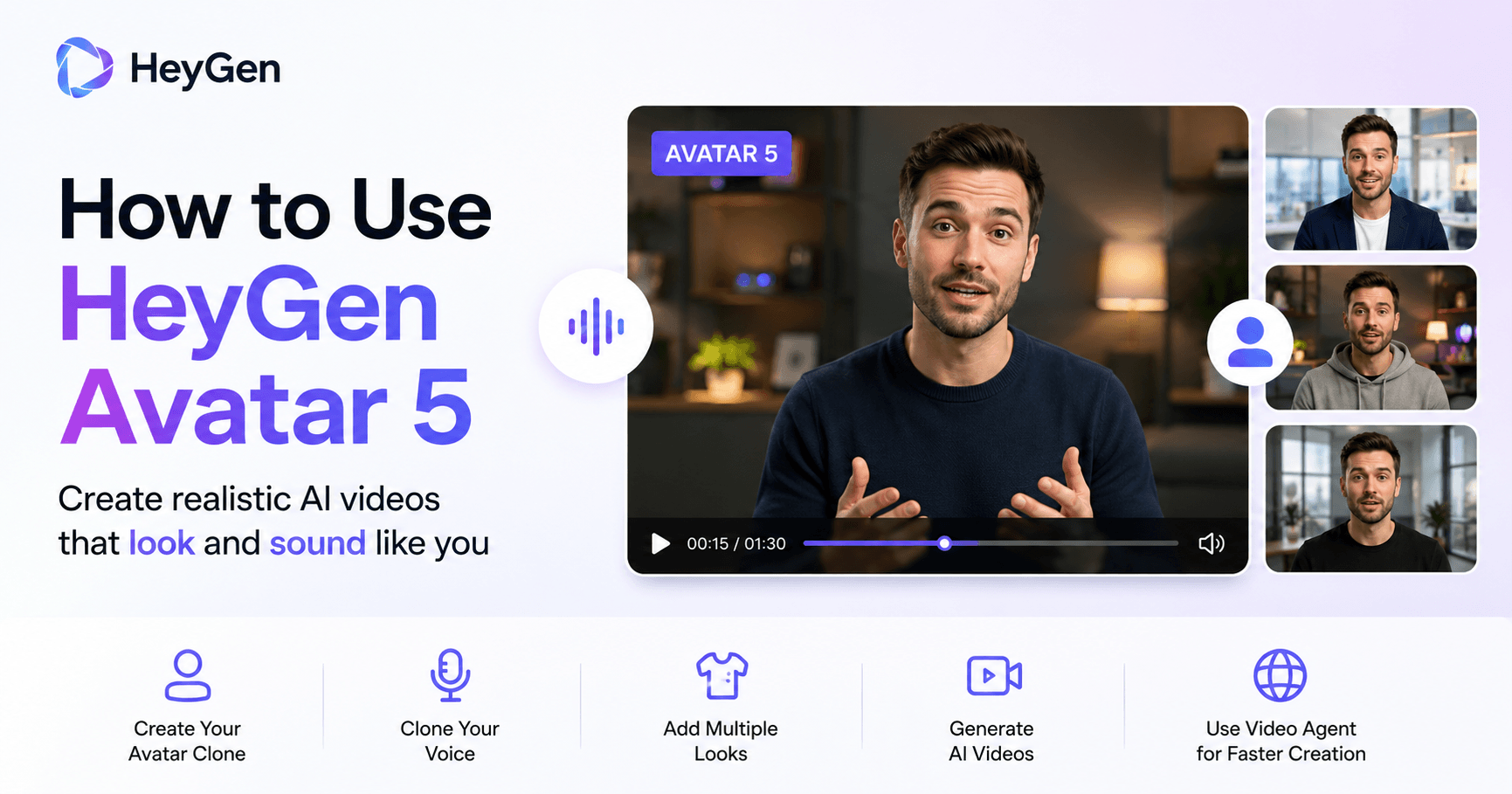

HeyGen Avatar 5 is one of the biggest upgrades in AI video generation because it makes digital avatars feel more natural, expressive, and useful for real content creation.
Older AI avatars were impressive, but they often had clear limitations. Some looked stiff, some felt emotionless, and others started to lose consistency in longer videos. If you wanted a different outfit, a new background, or a fresh angle, you usually had to record again.
Avatar 5 changes that. Instead of only copying your face, it studies how you move, gesture, speak, and express yourself. The result is a digital version of you that can appear in different outfits, environments, angles, and video styles without needing to record new footage every time.
With only one short recording, you can create professional videos that look and sound like you.
What Makes Avatar 5 Different
The main improvement in Avatar 5 is realism.
It is designed to capture more than your appearance. It learns your facial expressions, body language, voice rhythm, and natural mannerisms. This makes the final avatar feel more believable and less robotic.
The benefits are clear:
• Better lip sync
• More natural facial expressions
• Stronger consistency in longer videos
• More realistic movement
• Better performance across different looks and scenes
• Less need for repeated recordings
This is useful for creators, educators, marketers, business owners, and anyone who wants to create videos at scale without being on camera all the time.
Instead of setting up lights, changing clothes, preparing a studio, and recording multiple takes, you can create one strong avatar and use it again and again.
Creating Your Avatar Clone
To start, go into HeyGen and open the avatar section. From there, click create avatar and choose the option to clone a real person.
HeyGen will ask you to record a 15-second video of yourself. This can be done directly through your webcam, from your phone, or by uploading a video you already recorded.
The recording does not need to be made in a professional studio. A simple setup can work well as long as your face is clearly visible and the lighting is good enough. Natural light near a window can be enough. A blank wall or simple background also works fine because HeyGen is mostly focused on learning your motion, gestures, expressions, and mannerisms.
The most important part is to be expressive.
If you record with a flat expression and low energy, your avatar may also look flat and lifeless. But if you speak naturally, move your hands, and show real expression, the avatar will have more personality.
A good recording should feel like you are talking to a real person, not reading a script without emotion.
Why Voice Cloning Matters
After the motion recording, HeyGen gives you the option to create a voice clone. This step is optional, but it can make a big difference.
Your voice is a major part of what makes the avatar believable. It carries your rhythm, tone, pauses, and speaking habits. If the avatar looks like you but does not sound natural, the illusion becomes weaker.
For the best result, it is better to record a dedicated voice clone instead of only using the audio from the 15-second motion clip. A separate voice recording gives HeyGen more detail to work with, which usually creates a stronger and more realistic final result.
This small extra step can make the avatar feel much more like you.
Adding New Looks to Your Avatar
Once your avatar is created, you can generate different looks for it. This is one of the most useful features of Avatar 5.
Start by choosing a strong base look. Think of this as the reference image for your avatar. A close-up or half-body image usually works best. Your face should be clearly visible, and the image should represent how you want the AI to understand your appearance.
After choosing the base look, you can create new versions in two ways.
The first option is to use HeyGen’s scene library. This gives you pre-built looks with different outfits, backgrounds, and visual styles. With one click, your avatar can appear in a new scene.
The second option is to write your own prompt. This gives you more creative control.
For example, you could ask for:
A professional office, navy blazer, soft lighting, modern background.
Or:
A rooftop at sunset, casual streetwear, cinematic lighting.
You can even create side-profile looks while keeping the avatar consistent. This gives your videos more variety and makes the avatar feel less repetitive.
If the generated look is close but not perfect, you can edit it. You can adjust the outfit, background, lighting, or other details until it matches your goal.
This means one short recording can become many professional versions of you.
Creating a Video With Avatar 5
After choosing a look, you can create a video inside HeyGen AI Studio.
The first thing to check is the motion engine. Make sure it is set to Avatar 5 so the video uses the newest avatar model.
Then you can add your script. If you already have a script, simply paste it into the editor. If not, you can use HeyGen’s AI script generator. You give it a topic, tone, and target length, and it creates a script inside the platform.
This is useful when you need to create content quickly. For example, you can ask for a short marketing video, educational explanation, product introduction, social media script, or training video.
Avatar 5 also includes motion type controls. These settings let you guide how your avatar moves. You can choose different motions based on the clips recorded during the avatar creation process.
This gives you more control over the final result and helps the avatar match the style of the video.
In just a few minutes, you can have a finished video with your face, voice, outfit, background, and message.
Using Video Agent for Faster Creation
HeyGen also includes Video Agent, which is one of the fastest ways to create complete videos with Avatar 5.
Instead of building a single clip manually, you can describe the video you want. Video Agent can generate the script, scenes, layout, avatar placement, and final structure from one prompt.
A good prompt should include:
• The topic
• The target audience
• The tone
• The purpose of the video
• The type of visuals you want
For example, you could ask it to create a motivational video for beginner YouTubers, a product explainer for small businesses, or a training video for new employees.
When a real human avatar is selected, HeyGen automatically uses Avatar 5, so you do not need extra setup.
This makes the process very close to hands-free video creation. You provide the direction, and HeyGen builds the video around your avatar.
Best Practices for Realistic Results
To get the most realistic result from HeyGen Avatar 5, there are three important best practices.
First, be expressive during the 15-second motion recording. The energy you put into that clip is what the avatar will reflect later. If you want the avatar to feel alive, your recording needs to feel alive too.
Second, choose a strong base look. Your face should be clear, the image should be clean, and accessories should be minimal. This base look becomes the foundation for future AI-generated looks.
Third, create a dedicated voice clone. Do not skip this step if you want the avatar to sound more natural. A strong voice clone captures the small details that make your voice unique.
These three steps can be the difference between an avatar that looks “pretty good” and one that makes people wonder if it is actually AI.
Why Avatar 5 Is Useful for Content Creation
The biggest value of Avatar 5 is scale.
Normally, creating videos takes time. You need to prepare, record, edit, and sometimes repeat everything if you want a different look or environment. With Avatar 5, you only need to show up once.
After that, your avatar can appear in different videos, outfits, backgrounds, and formats whenever you need.
This can help with:
• YouTube videos
• Online courses
• Business presentations
• Product explainers
• Marketing content
• Social media videos
• Internal training
• Multilingual content
• Personal branding
For creators, it means more content with less recording time. For businesses, it means faster production and lower costs. For educators, it means lessons can be produced more easily and updated faster.
Final Thoughts
HeyGen Avatar 5 is more than a simple avatar update. It changes how AI video creation can work.
With one short recording, you can build a realistic digital twin that speaks like you, moves like you, and appears in different professional settings. You can create new looks, write scripts with AI, generate full videos, and use Video Agent to speed up the entire process.
The key is to record with energy, choose a strong base look, and create a dedicated voice clone. When these steps are done well, the final result can feel surprisingly natural.
Avatar 5 makes it possible to create video content without constantly being on camera. You record once, and from there, you can create videos on demand.
For anyone who wants to produce more video content with less friction, HeyGen Avatar 5 is a powerful tool to explore.







टिप्पणियाँ0
टिप्पणी करने के लिए कृपया साइन इन करें।