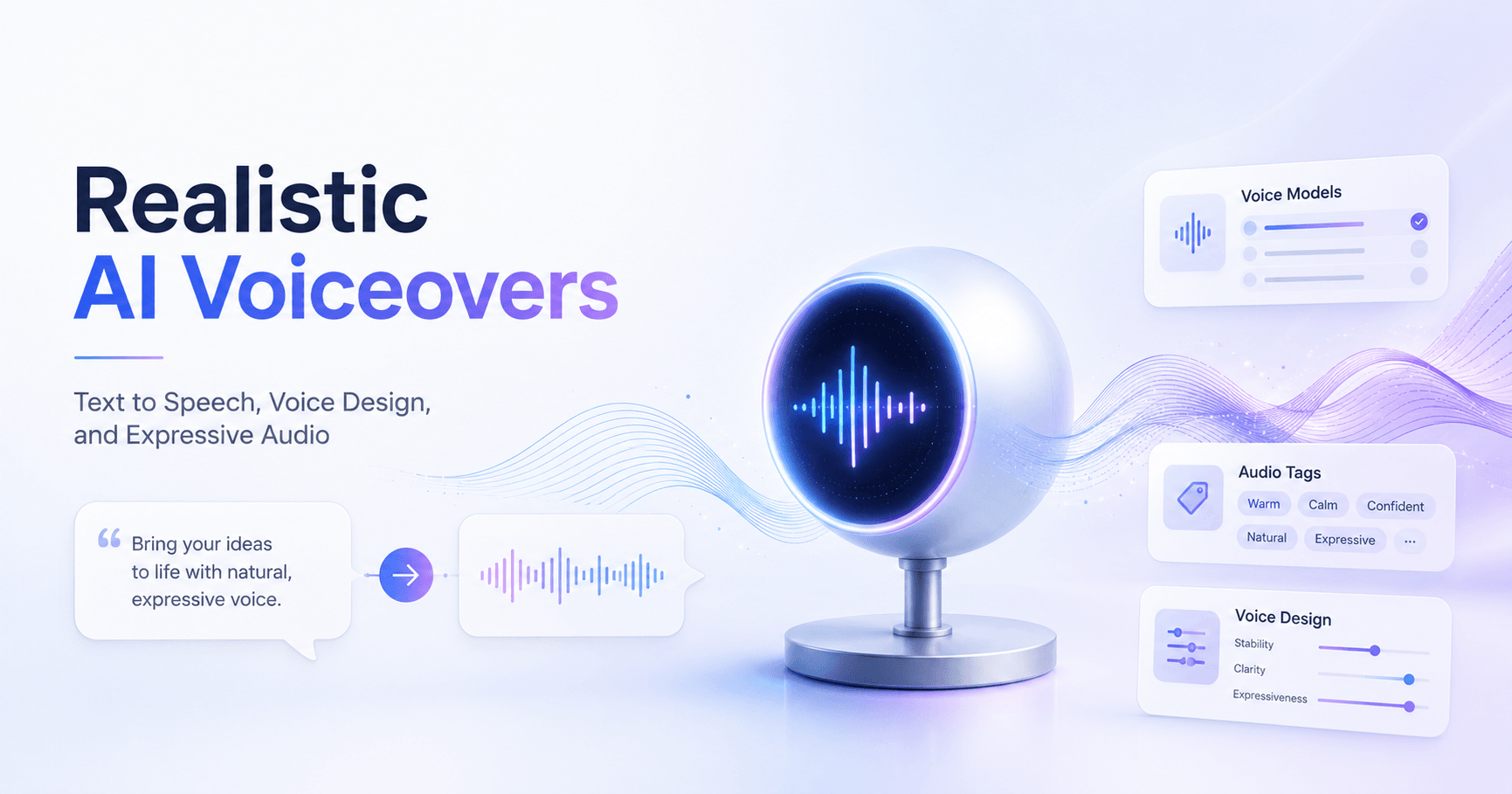

Creating realistic voiceovers with artificial intelligence has become much easier. With ElevenLabs, you can turn simple text into natural speech directly from your browser, without needing advanced audio editing skills.
The platform is useful for videos, podcasts, ads, games, characters, tutorials, social media content, and even conversational AI projects. The main idea is simple: you write the text, choose a voice, adjust the settings, and generate an audio file that sounds close to a real human voice.
Getting Started with Text to Speech
To begin, open ElevenLabs and go to the Text to Speech tool in the left sidebar.
From there, the process is very simple. You type the text you want to transform into speech and click Generate Speech. In a few seconds, ElevenLabs creates the audio using the selected AI voice.
This basic workflow is already enough to create quick narrations, but the real power of ElevenLabs comes from choosing the right model, voice, and delivery style.
Choosing the Right AI Voice Model
ElevenLabs offers different voice models, and each one is designed for a different type of use.
Two important models are Eleven Multilingual V2 and Eleven V3 Alpha.
Eleven Multilingual V2 is focused on natural, consistent speech. It is a good choice when you want reliable voiceovers, especially for longer content, tutorials, educational videos, and multilingual projects.
Eleven V3 Alpha is more expressive and emotional. It was designed to create speech that feels more dynamic, dramatic, and human. It can produce very realistic results, but because it is still an alpha model, it may need more direction to get the best output.
Multilingual V2 supports 29 languages, while Eleven V3 supports more than 70 languages. This makes V3 especially useful for creators who want to produce content for global audiences.
There are also other models, such as Flash V2.5, which focuses on speed and low latency. This type of model is useful for real-time applications, such as conversational AI, voice agents, and interactive tools.
Adjusting Voice Settings
When using models like Multilingual V2, ElevenLabs gives you several controls to customize the final audio.
The first important setting is Speed. This changes how fast or slow the voice speaks. A slower speed may sound more thoughtful or dramatic, while a faster speed can be useful for energetic content.
Another important option is Stability. Increasing stability makes the voice more consistent, but it can also make it sound more monotone. For longer texts, using a lower stability value can help keep the voice more natural.
Similarity controls how close the generated voice stays to the selected speaker. Increasing it can improve clarity and make the voice more similar to the original, but setting it too high may create unwanted noise or artifacts. In many cases, the default setting works well.
There is also Style Exaggeration, which increases the expressive characteristics of the voice. This can make the audio more emotional and varied. However, using too much can cause unstable pacing, pronunciation errors, or extra sounds. For most projects, keeping this setting low or at zero is safer.
Finally, Speaker Boost can make the generated voice closer to the selected speaker, but it may slow down the generation process. It is worth testing, especially when voice similarity is very important.
Using Audio Tags with Eleven V3
One of the most powerful features of Eleven V3 is the use of audio tags.
In older text-to-speech workflows, you often had to write directions inside the sentence, like a book narration. For example, you might write something like: “This was great,” he said happily.
The problem is that the AI may read the entire sentence, including the direction. With Eleven V3, you can guide the performance using tags instead.
For example, you can place a direction inside brackets, such as:
[laughing] This was great.
This tells the model how the line should be delivered without forcing the direction to be spoken as part of the sentence.
Audio tags can be used to describe emotions, sounds, reactions, tone, rhythm, or acting style. You can guide the voice like you would direct an actor.
Examples of possible tags include:
[laughing]
[whispering]
[sad]
[excited]
[angry]
[sighs]
[thoughtful]
[nervous]
[dramatic pause]
This makes Eleven V3 especially useful for storytelling, games, audiobooks, character voices, ads, and cinematic voiceovers.
If you do not want to add tags manually, ElevenLabs also includes an Enhance option. This can automatically add audio tags to help improve the delivery of your prompt.
Choosing Voices for Eleven V3
Not every voice works perfectly with Eleven V3. For better results, it is recommended to choose voices from the category Best Voices for V3.
These voices are optimized to take advantage of the model’s expressive features. They usually respond better to audio tags and emotional direction.
Choosing the right voice is one of the most important steps. A great prompt can still sound weak if the voice does not match the tone of the project.
For example, a calm narrator may work well for educational content, while a deeper and more dramatic voice may be better for trailers, games, or storytelling.
Creating a Custom Voice with Voice Design
If you cannot find the exact voice you want, ElevenLabs also lets you create a custom voice using Voice Design.
Voice Design allows you to describe the type of voice you want. You can include details such as age, gender, accent, tone, rhythm, emotion, and speaking style.
For example, you could ask for:
A calm male narrator with a warm tone and slow pacing.
Or:
A confident female voice with a professional tone, clear pronunciation, and light energy.
More detailed prompts usually produce more specific results. However, short prompts can also work well when you need a simple and neutral voice.
Voice Design is useful when you want a unique voice for a project, such as a video game character, a brand narrator, a fictional personality, or a specific type of content creator voice.
Why the Preview Text Matters
When creating a new voice, the preview text is also very important.
The preview text acts like a performance script. It helps define the rhythm, emotion, and delivery of the generated voice.
If you want a thoughtful voice, the preview text should sound thoughtful. If you want a funny or energetic voice, the preview text should reflect that.
You can also include audio tags in the preview text to test how expressive the voice can be.
After generating the voice, ElevenLabs usually gives you multiple voice options. You can listen to each one and choose the version that best fits your project.
Once you find the voice you like, you can name it, add labels, write a description, and save it for future use.
Downloading and Sharing Your Audio
After generating a voiceover, you can download it as an MP3 file and use it in your content.
This makes it easy to add the audio to video editors, podcast tools, presentations, games, or social media projects.
ElevenLabs also allows you to share the generation directly as a video. The platform can create a simple animated video with your prompt synced to the generated voice. This can be useful for quick social media posts or demonstrations.
If you ever want to reuse a previous prompt or audio generation, you can go to the History tab. There, you can find old generations, download them again, or reuse previous prompts.
Final Thoughts
ElevenLabs makes AI voice generation simple, but also powerful.
For basic voiceovers, you can type your text, choose a voice, and generate speech in seconds. For more advanced results, you can adjust settings, choose the right model, use audio tags, and even design your own custom voices.
The biggest advantage of ElevenLabs is the balance between ease of use and realistic results. Beginners can create good voiceovers quickly, while advanced users can guide the voice with more detail and emotion.
If you want natural narration, Multilingual V2 is a strong choice. If you want expressive, emotional, and character-driven speech, Eleven V3 is the model to explore.
With the right voice, the right prompt, and the right delivery tags, ElevenLabs can help turn simple text into audio that feels much more alive.







टिप्पणियाँ0
टिप्पणी करने के लिए कृपया साइन इन करें।