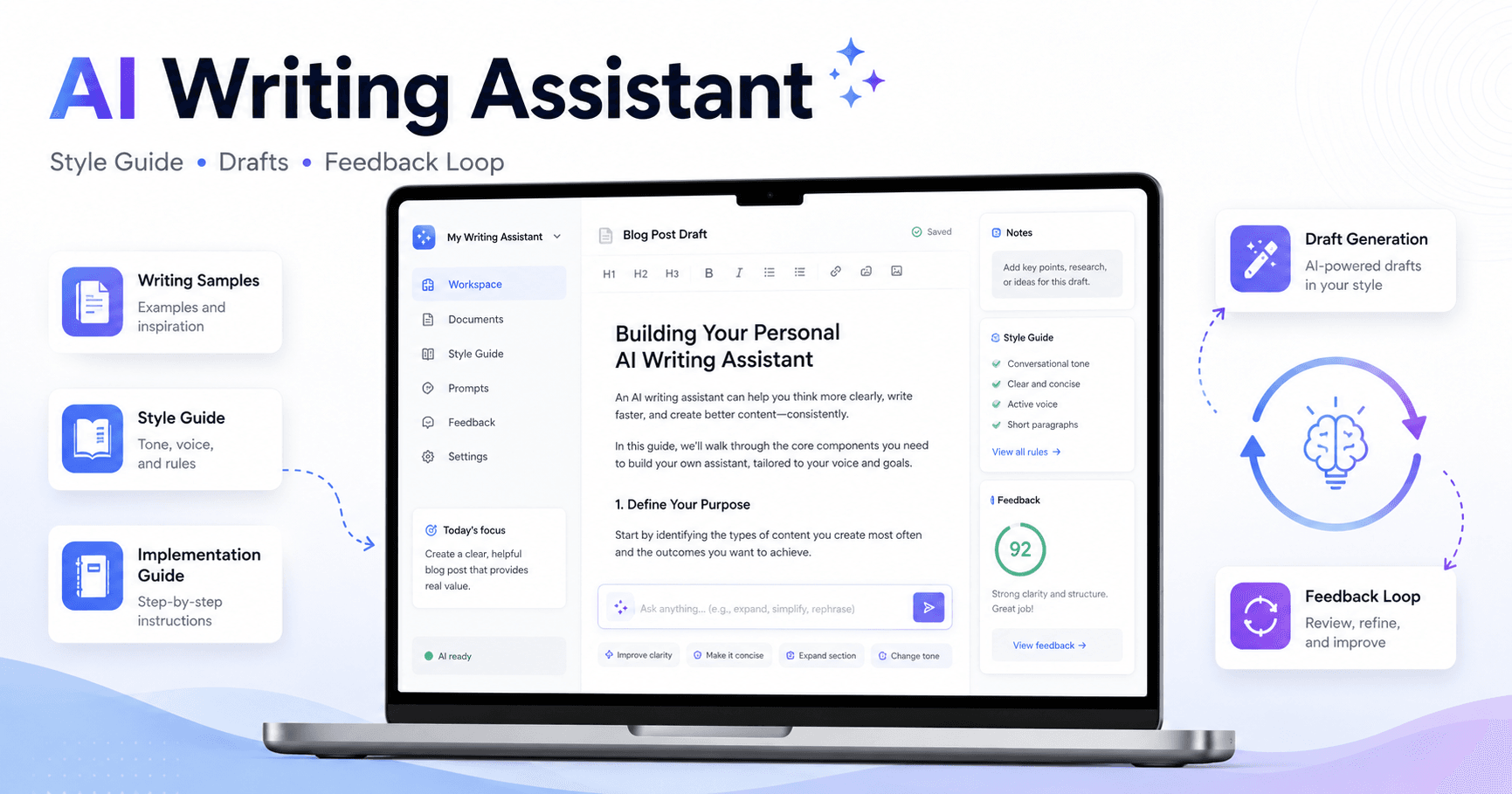

Writing is one of the most valuable skills for entrepreneurs, freelancers, creators, and professionals. It helps you explain ideas, sell products, build trust, publish content, and communicate with people clearly.
But writing also takes time.
The real opportunity with Claude is not simply asking it to “write something.” The better approach is to build a personal AI writing system that understands your style, your thinking, and your standards. That way, you can create better drafts faster without losing your voice.
The goal is simple: scale your writing without scaling the amount of time you spend writing.
Start with Your Best Writing Samples
The first step is to give Claude examples of how you already write.
Instead of asking Claude to guess your style, you should provide real writing samples that represent your current voice. These can be essays, articles, newsletters, LinkedIn posts, blog posts, scripts, or any professional writing that feels like “you.”
In the example from the transcript, the creator selected 20 recent long-form essays that added up to almost 70,000 words. But you do not need that much to start. Around 5 to 10 good writing samples can already give Claude enough material to understand your tone, structure, and communication style.
The important part is quality. Choose samples that show how you want to sound today, not old texts that no longer represent your current style.
Create an AI Writing Style Guide
After collecting your writing samples, ask Claude to analyze them and create a detailed writing style guide.
A useful prompt would be:
“Please analyze all of these writing samples and create a comprehensive AI writing style guide that captures all aspects of my writing, thinking, and communication style.”
At first, Claude may create a decent but generic version. It might say things like “uses clear explanations” or “has a thoughtful tone.” That is useful, but not enough.
To make the style guide stronger, ask Claude to include examples and counterexamples.
For each writing principle, you want Claude to show:
What to do
What not to do
Why it matters
How it appears in your writing
This makes the guide much more practical. Instead of vague advice, Claude gets clear rules it can follow.
For example, instead of saying:
“Write in a direct tone.”
A better guideline would say:
“Use direct, concrete sentences that explain the idea without sounding overly polished or promotional.”
Then include an example of a good sentence and a counterexample of a sentence that sounds too generic or AI-written.
Rank the Most Important Writing Rules
Once your style guide becomes detailed, another problem appears: prioritization.
If the guide has dozens of rules, Claude may not know which ones matter most. In writing, not every rule has the same weight. Some principles are essential, while others are optional.
That is why you should ask Claude to rank the guidelines from most important to least important within each section.
You can say:
“Rank each set of guidelines from most foundational and non-negotiable to least important. Put the essential elements at the top of each section.”
This helps Claude understand hierarchy. When it writes a new piece, it will pay more attention to the most important rules instead of treating every suggestion equally.
This step is especially important if you want consistent writing over time.
Add an Implementation Guide
A style guide explains how you write. But it does not explain how Claude should work with you.
That is why you also need an implementation guide.
The implementation guide is a process Claude follows before writing. Instead of immediately generating a draft, Claude should ask you questions first.
For example:
What topic do you want to explore?
What is your main argument?
What perspective do you want to defend?
What examples should be included?
What should be avoided?
Who is the audience?
What tone should the piece have?
This matters because Claude should not invent your opinion. It should help you express your opinion better.
In the transcript, the implementation guide was added to the end of the style guide. It included a sequence of questions that Claude would ask one at a time before creating a new piece of writing.
This turns Claude from a simple text generator into a writing partner.
Use Claude Projects
After creating the style guide and implementation guide, the next step is to save them inside a Claude Project.
A project works like a dedicated workspace for one type of task. In this case, you can create a project called something like:
“AI Writing System”
Then upload your style guide as project knowledge.
Now, whenever you open that project and ask Claude to help you write, it already has the instructions, style rules, examples, and writing process available.
This is much better than pasting the same instructions every time.
Test the System with a Real Draft
Once the project is ready, test it with a real piece of writing.
Do not expect the first draft to be perfect. The goal is to see whether Claude understands your style, asks useful questions, and creates a draft that feels close to your voice.
Give it the topic, your notes, your references, and your opinions. Let Claude ask questions based on the implementation guide. Then answer those questions or provide extra context.
This process still requires your thinking.
Claude can help organize, structure, and draft the piece, but it should not replace your reading, judgment, or ideas. In the transcript, the creator explains that AI did not reduce a 20-hour writing process to 20 minutes. Instead, it reduced the work significantly by helping with drafting and structuring after the human had already done the research, highlighting, and thinking.
That is a more realistic way to use AI.
It saves time, but it does not remove the need for taste, insight, and decision-making.
Build a Self-Improving Feedback Loop
The most powerful part of this system is not the first draft. It is the feedback loop.
Every time Claude writes something that feels wrong, you can use that mistake to improve the system.
For example, if Claude writes a sentence that sounds too cliché, too dramatic, or obviously AI-generated, do not only fix the sentence manually. Tell Claude why the sentence is wrong and ask it to create a new guideline for the style guide.
You could say:
“This line sounds too cliché and too much like AI writing. Create a new guideline for my writing style guide that says to avoid this kind of language.”
Then save that new rule back into the project.
This means every mistake becomes training material. Over time, Claude becomes less likely to repeat the same problems.
That is the real advantage of building a system instead of using random prompts.
Why “Copy to Project” Matters
When working inside a Claude Project, you can save new instructions and guidelines back into the project knowledge.
This is important because your writing system should evolve. As you review drafts, notice patterns, and correct mistakes, you can keep improving the guide.
For example, if you realize Claude often writes endings that sound too inspirational or generic, you can create a new section called:
“Avoiding Clichéd Language”
Then add clear examples of phrases to avoid and better alternatives.
Now the system is stronger for every future draft.
The Right Way to Use Claude for Writing
The best way to use Claude as a writing assistant is not to ask:
“Write me an article.”
A better process is:
First, teach Claude your style.
Second, create a writing guide with examples and counterexamples.
Third, rank the most important rules.
Fourth, add an implementation process.
Fifth, save everything inside a Claude Project.
Sixth, test it with real writing.
Seventh, use every mistake to improve the system.
This approach makes Claude much more useful because it starts to understand not only how you write, but how you think.
Final Thoughts
Claude can be a powerful writing assistant, but only if you train it properly.
If you use it without context, it will often produce generic text. But if you give it strong writing samples, a detailed style guide, a clear implementation process, and continuous feedback, it can become a personalized writing partner.
The point is not to replace your voice.
The point is to help you express your ideas faster, clearer, and more consistently.
A good AI writing system does not remove the human from the process. It makes the human part more valuable by reducing repetitive work and giving you more time to focus on thinking, editing, and making better decisions.







Comentarios0
Inicia sesión para comentar.