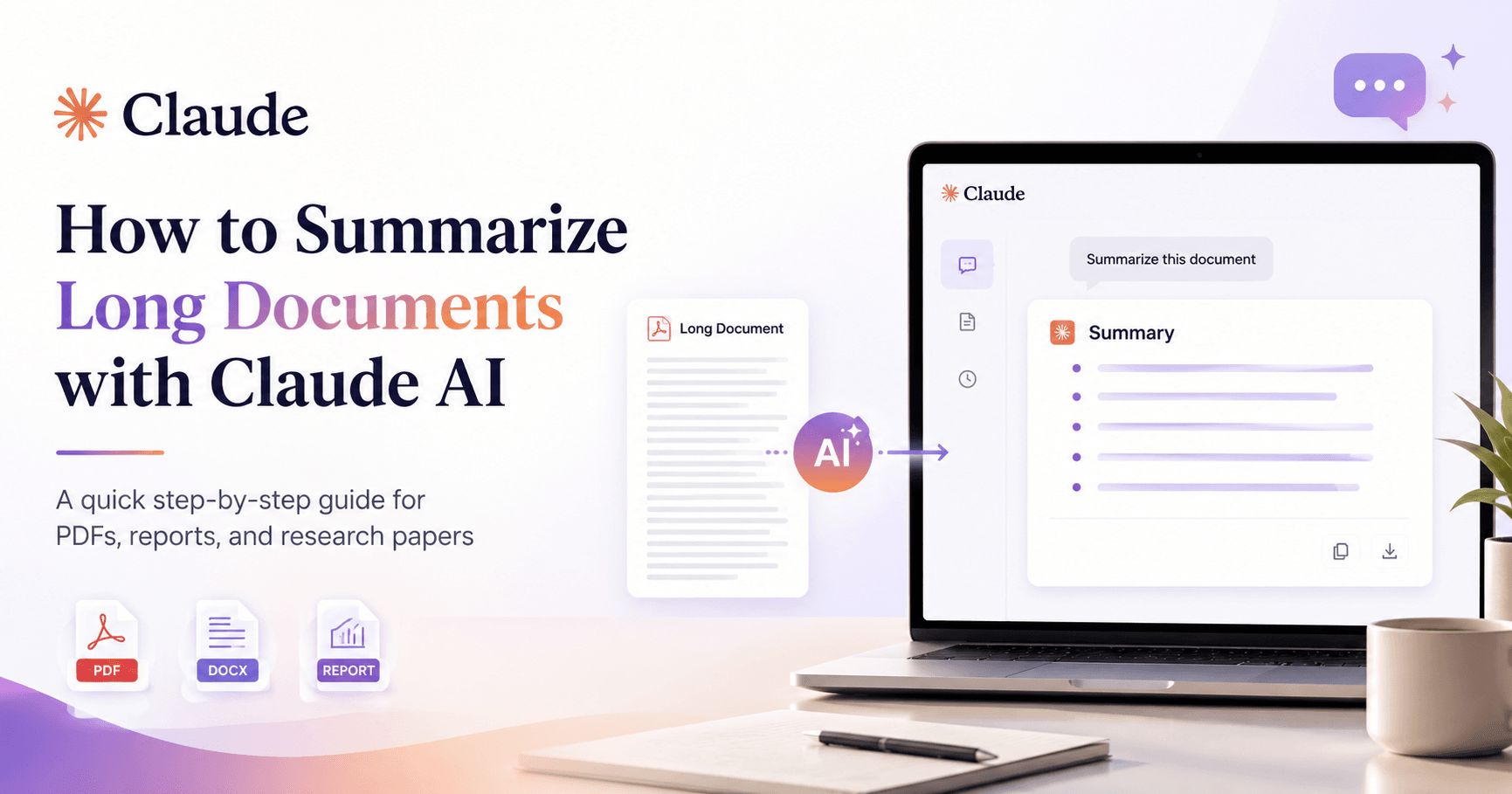

Reading a long report, research paper, PDF, or Word document can take a lot of time. Claude AI makes this process easier by helping you quickly understand the most important ideas without reading every single page.
To begin, open Claude and make sure you are logged into your account. Once you are on the main chat screen, go to the message box at the bottom of the page. On the left side of the message field, click the plus icon to open the upload options.
From the menu, choose Upload file. A file browser window will appear on your computer. Select the document you want Claude to summarize, such as a PDF, Word file, or another supported document type. After choosing the file, click Open and wait for it to upload.
Once the document appears in the chat area, type a clear prompt telling Claude what you need. For example, you can write:
“Please summarize this document and highlight the most important points.”
After sending the message, Claude will read the document and generate a clear summary with the main ideas, key sections, and important details. This is especially useful for long reports, manuals, academic papers, business documents, or study materials.
You can also ask Claude for a more specific type of summary. For example, you can request bullet points, a page-by-page summary, a simple explanation, or a deeper breakdown of a specific section. This gives you more control over how the information is organized.
Using Claude to summarize long documents is a simple and effective way to save time, stay organized, and understand complex content faster.







Comments0
Please sign in to leave a comment.