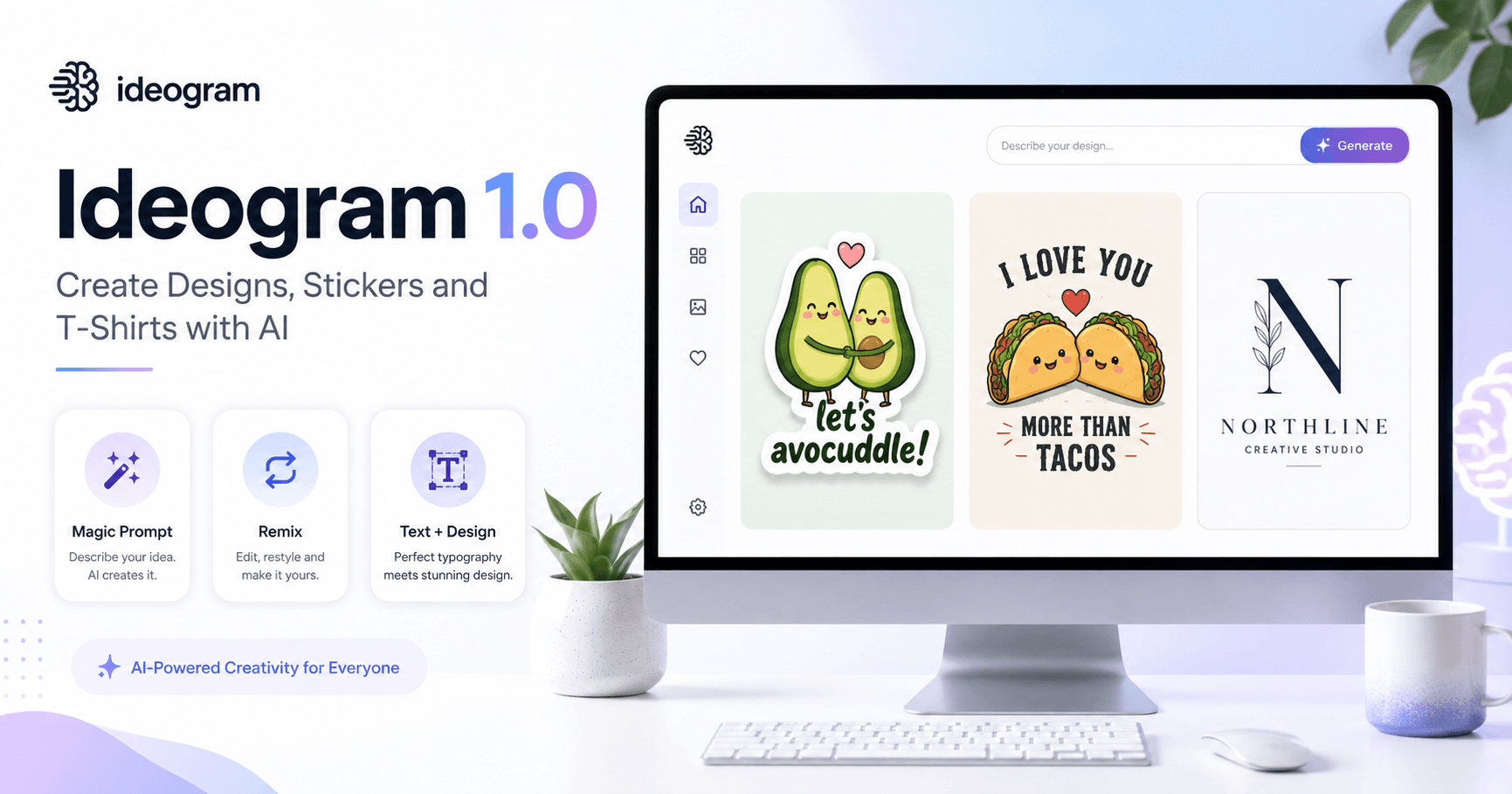

Ideogram is an artificial intelligence tool focused on image creation, but with one very important difference: it works very well with text inside images.
This makes the platform very useful for anyone who wants to create stickers, T-shirts, logos, posts, illustrations, and designs with phrases. Instead of only generating a beautiful image, Ideogram allows you to create visual pieces with words, slogans, and brand names more accurately.
With the arrival of Ideogram 1.0, the tool has become even more interesting for people who work with visual creation or want to quickly produce ideas for personal projects, digital products, or print on demand.
What Is Ideogram?
Ideogram is an AI image generation platform. You write a prompt explaining what you want, choose a few settings, and the tool creates images based on that description.
The biggest advantage is that it works very well for designs that need text. For example, you can ask for a T-shirt artwork with a phrase, a sticker with funny words, or a logo with a brand name.
This type of task is usually difficult for many image AIs, because they often get letters wrong, create strange words, or make the text unreadable. In Ideogram, the results tend to be better, especially when the prompt is simple and well structured.
Plans and Free Use
One interesting point about Ideogram is that it can be used for free.
In the free version, users can generate a good number of images per day. Each prompt usually creates four variations, so it is possible to test many ideas without having to pay right away.
In addition to the free plan, there are paid plans with more features. One reason to use a higher plan is the option to keep creations private. This is useful for anyone working on commercial ideas, designs for sale, or projects they do not want to make public yet.
For anyone who is just learning, the free plan is already enough to explore the tool quite a lot.
Understanding the Interface
The Ideogram homepage works like a gallery of creations. There, you can see images made by other users, explore trends, and find inspiration.
There are areas such as:
Explore
Following
Top
In the Explore tab, you will find public creations from different users. In the Following tab, you see content from people you decided to follow. In the Top tab, you can find popular and highly rated images within the platform.
This helps a lot if you still do not know how to create good prompts. You can open an image, see the prompt used, analyze the result, and understand how that artwork was created.
How to Use Other People’s Prompts
A very useful feature in Ideogram is the ability to view and copy prompts from other public creations.
When you click on an image, you can see the original prompt and also the Magic Prompt generated by the platform. Then, you simply copy it, paste it into the creation area, and adapt it to your own project.
This is great for learning.
Instead of starting from zero, you can observe what has already worked for other people and change only the main elements, such as the theme, character, phrase, style, or type of design.
What Is Magic Prompt?
Magic Prompt is one of Ideogram’s most important features.
When activated, it takes the simple prompt written by the user and automatically adds more details. This helps improve the final result, making the description richer and visually stronger.
For example, you can write something simple like:
“Sticker design of two avocados hugging with the words ‘Avocuddle’, flat bright colors, isolated on a white background.”
With Magic Prompt activated, Ideogram can turn this idea into a more detailed description, including style, composition, colors, lighting, and other visual elements.
In practice, this allows even simple prompts to generate better-looking images.
A Simple Structure for Creating Good Designs
One of the best ideas from the transcript is to keep a prompt structure simple and easy to edit.
A good model would be:
Type of design + description of the object or character + desired phrase + visual style + background
For example:
“Sticker design of a cute pug dog wearing sunglasses, with the words ‘Cool Pup’, flat bright colors, isolated on a white background.”
This structure works well because it is clear and easy to modify.
If you want to turn the sticker into a T-shirt design, simply change “sticker design” to “t-shirt design.” If you want to change the character, replace the pug with a cat, taco, avocado, dinosaur, or any other element.
The secret is not to overcomplicate the prompt.
The more direct the request is, the greater the chance that the AI will understand the goal.
Ideogram for Stickers
Ideogram is excellent for creating stickers, especially when the visual uses flat colors, cute characters, and short phrases.
Stickers work well because they usually use simple compositions, white or transparent backgrounds, strong outlines, and funny phrases.
Some sticker ideas that can work well include:
Avocados with romantic phrases
Tacos with wordplay
Cute animals with funny expressions
Dinosaurs in funny situations
Small characters with short phrases
This type of design can be used in posts, digital products, physical stickers, or print-on-demand projects.
Ideogram for T-Shirts
Another strong use of Ideogram is creating T-shirt designs.
The logic is similar to stickers, but the focus should be on cleaner artwork that is easy to apply to a product.
An important tip is to use short phrases and well-defined colors. Using “flat bright colors” in the prompt helps a lot because it creates images with simpler and more separated colors.
This also makes it easier if you want to vectorize the artwork later in another tool.
An example prompt for a T-shirt would be:
“T-shirt design of two tacos smiling, with the words ‘Tacos Are My Valentine’, flat bright colors, isolated on a white background.”
This type of prompt generates simple, fun artwork that is easy to adapt for products.
Why Use a White Background?
Using the command “isolated on a white background” is a good practice for anyone who wants to create reusable designs.
When the image comes isolated on a white background, it becomes easier to crop, edit, vectorize, or apply to other materials.
This is especially useful for people who work with:
T-shirts
Stickers
Mugs
Posters
Personalized products
Print on demand
Marketplace designs
In addition, a clean background helps keep the focus on the character, phrase, and main composition.
Tip for Vectorizing Images
The transcript also highlights an important point: using flat and bright colors makes vectorization easier.
When an image has many gradients, complex shadows, and realistic details, it becomes harder to turn into a vector. Artwork with simple colors, clear outlines, and a white background is much easier to work with in editing programs.
So, if the goal is to create products for sale, it is worth using terms such as:
Flat bright colors
Vector style
Sticker design
Clean illustration
White background
Simple bold shapes
These words help the AI generate images that are closer to commercial-ready artwork.
Remixing and Adapting Ideas
Ideogram also allows you to remix images. This means you can take an existing creation and generate new versions from it.
This feature is very useful when you like an image but want to change a detail. For example, you can change the phrase, switch the character, adjust the style, or test a new composition.
Remix speeds up the creative process because you do not need to start everything again. You simply take an idea that is already good and keep refining it.
Is Ideogram 1.0 Worth Using?
Yes, especially for anyone who wants to create designs with text.
Ideogram 1.0 is a very useful tool for content creators, designers, personalized product sellers, social media managers, entrepreneurs, and people who work with visual ideas.
It is especially good for generating:
Stickers
T-shirts
Simple logos
Illustrations with phrases
Print-on-demand designs
Posts with typography
Fun and commercial artwork
Even if the result is not always perfect on the first try, the tool makes the creation process much easier. With simple prompts, Magic Prompt activated, and a few attempts, it is possible to achieve very good designs.
Conclusion
Ideogram 1.0 shows how artificial intelligence is becoming increasingly useful for visual creation.
Its biggest difference is the ability to combine image and text more efficiently than many other tools. This opens many possibilities for creating stickers, T-shirts, logos, posters, and artwork with phrases.
To get good results, the ideal approach is to use simple prompts, short phrases, flat colors, and clean backgrounds. It is also worth exploring the platform gallery, copying interesting prompts, and adapting them to your own ideas.
In the end, Ideogram does not need to replace creative work. It can be used as a tool to speed up ideas, test concepts, and create variations quickly.
For anyone who wants to produce AI designs, especially with text, Ideogram is one of the most interesting options to try.







Comentários0
Faça login para comentar.