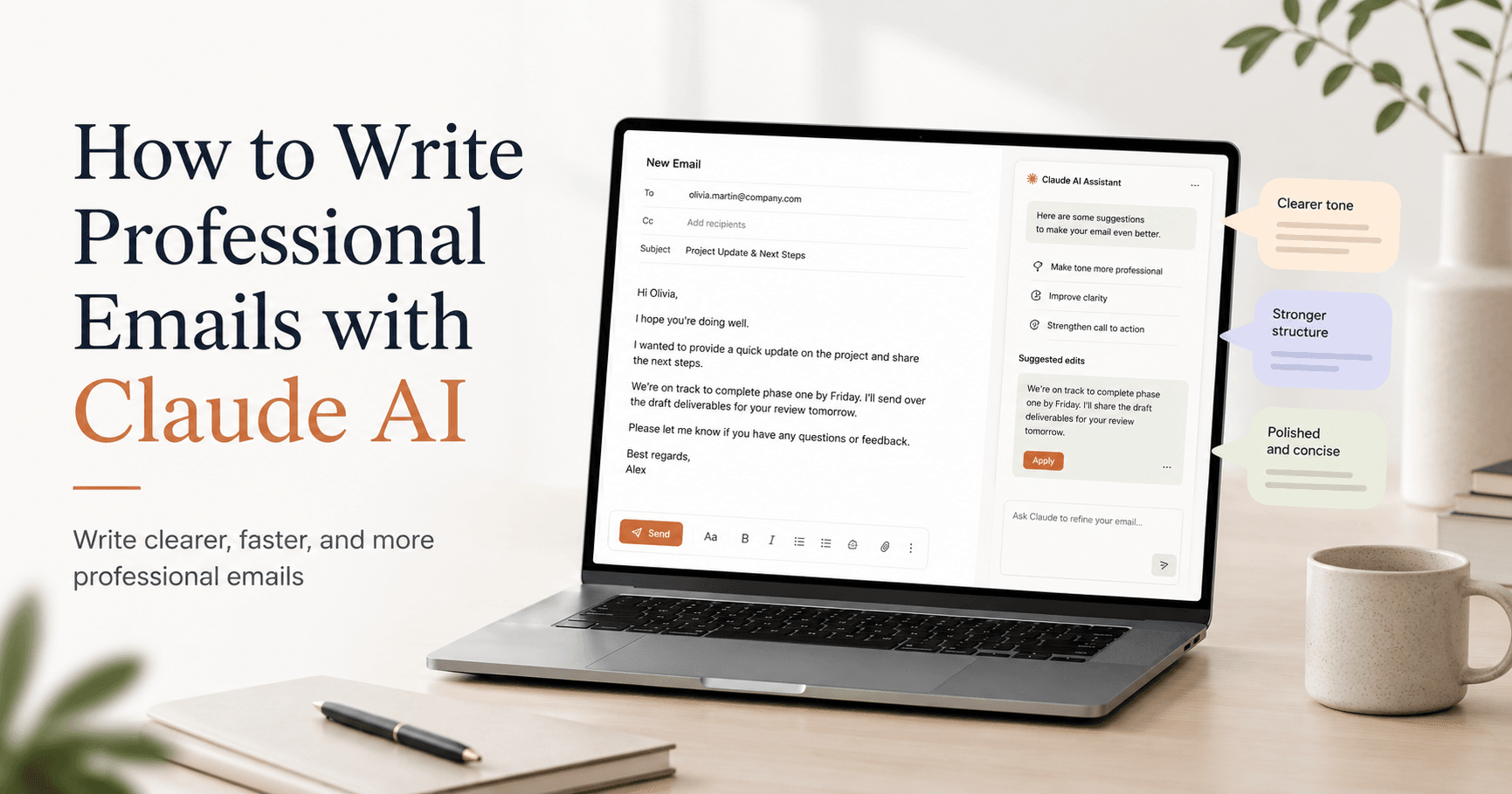

Writing professional emails can take more time than expected. Sometimes you know what you want to say, but the hard part is finding the right tone. You do not want to sound too cold, too pushy, too informal, or too emotional.
This is where Claude AI can help a lot.
Claude is especially useful for writing emails because it understands context, tone, and nuance. Instead of only generating generic text, it can help you create messages that sound more natural, clear, and professional.
Whether you need to follow up with a client, respond to a difficult situation, write a proposal, or send a polite internal message, Claude can make the process faster and easier.
Why Claude Is Useful for Professional Emails
Claude works well for email writing because it is good at adapting to different situations.
A professional email is not just about grammar. It is about communication. The message needs to be clear, respectful, and aligned with the relationship you have with the person receiving it.
For example, a follow-up email to a client should sound friendly but not desperate. A complaint email should be firm but not aggressive. A proposal email should be persuasive but not too salesy.
Claude can help balance these details.
Another strong point is that Claude usually writes in a more natural style. The result often feels less robotic than a basic AI-generated message. This matters because professional emails still need to sound human.
How to Get Better Results from Claude
The quality of the email depends a lot on the prompt you give Claude.
A weak prompt like this:
“Write a professional email.”
will usually create a very generic result.
A better prompt would be:
“Write a professional but friendly email to a client named Sarah. She has not replied to my last two messages. I want to follow up without sounding pushy. Keep it under 150 words.”
This prompt works better because it gives Claude important details:
Who the email is for
What the situation is
What tone you want
What the goal is
How long the email should be
The more context Claude has, the better the email will be.
Types of Emails You Can Create with Claude
Claude can help with many types of professional emails. Here are some of the most useful ones.
1. Follow-Up Emails
Follow-up emails are common, but they can be tricky. You want to remind someone without sounding annoying.
Claude can help you write a short and polite follow-up that keeps the conversation open.
Example prompt:
“Write a brief follow-up email to a client about a proposal I sent last week. Keep the tone friendly, professional, and not pushy.”
This type of prompt helps Claude create a message that feels respectful and clear.
2. Difficult or Sensitive Emails
Some emails are hard to write because they involve uncomfortable situations. Maybe you need to decline an offer, respond to a complaint, correct a mistake, or give bad news.
Claude can help you organize your thoughts and choose a tone that is honest but respectful.
Example prompt:
“Help me write an email declining a job offer. I want to sound grateful and professional, and I want to leave the door open for future opportunities.”
This is useful because Claude can soften the message without making it unclear.
3. Cold Outreach Emails
Cold emails need to be short, direct, and interesting. If they sound too salesy, most people will ignore them.
Claude can help you create a message that feels more natural and focused on the recipient.
Example prompt:
“Write a cold outreach email to a small business owner offering freelance marketing services. Make it conversational, helpful, and under 120 words.”
You can also ask Claude to create three versions with different tones, such as friendly, confident, or very concise.
4. Client Proposal Emails
Proposal emails need more structure. You usually need to explain what you are offering, why it matters, and what the next step is.
Claude can help turn rough notes into a clear proposal message.
Example prompt:
“Write a proposal email for a website redesign project. Include a short introduction, the main benefits, what is included, and a clear call to action. Use a professional but approachable tone.”
This can save a lot of time, especially when you already know the details but do not want to write everything from scratch.
5. Internal Team Emails
Claude is also useful for emails inside a company or team.
You can use it to announce changes, explain decisions, summarize updates, or communicate instructions more clearly.
Example prompt:
“Write an email to my team announcing a change in our weekly meeting schedule. Keep it friendly, clear, and positive. Explain the reason briefly.”
This helps avoid confusing messages and makes team communication smoother.
A Simple Formula for Better Claude Prompts
To get better professional emails from Claude, use this simple structure:
Tell Claude who the email is for.
Explain the situation.
Define the goal of the message.
Choose the tone.
Set a length limit.
Add anything Claude should avoid.
For example:
“Write an email to a supplier who sent the wrong order twice. I am frustrated, but I want to maintain a good relationship. The email should be firm, polite, and under 150 words. Ask them to confirm how they will fix the issue.”
This prompt gives Claude enough information to create a much better email than a generic request.
Always Review Before Sending
Claude can write a strong first draft, but you should always review the email before sending it.
Add personal details.
Check if the message sounds like you.
Make sure the facts are correct.
Remove anything too generic.
Adjust the tone if needed.
The best way to use Claude is not to copy and paste blindly. Use it as a writing assistant. Let it create the structure, improve the tone, and save time, but always make the final version feel personal and authentic.
Final Thoughts
Claude AI can make professional email writing much faster and less stressful.
It helps you write messages that are clear, polite, and well-structured. It is especially useful when you need the right tone, such as in follow-ups, client proposals, sensitive messages, cold outreach, and team communication.
The key is to give Claude enough context. A specific prompt will always create a better result than a vague one.
Instead of asking Claude to simply “write an email,” explain the situation, the recipient, the goal, the tone, and the length. With that information, Claude can help you create professional emails that sound natural, respectful, and effective.







Comentários0
Faça login para comentar.