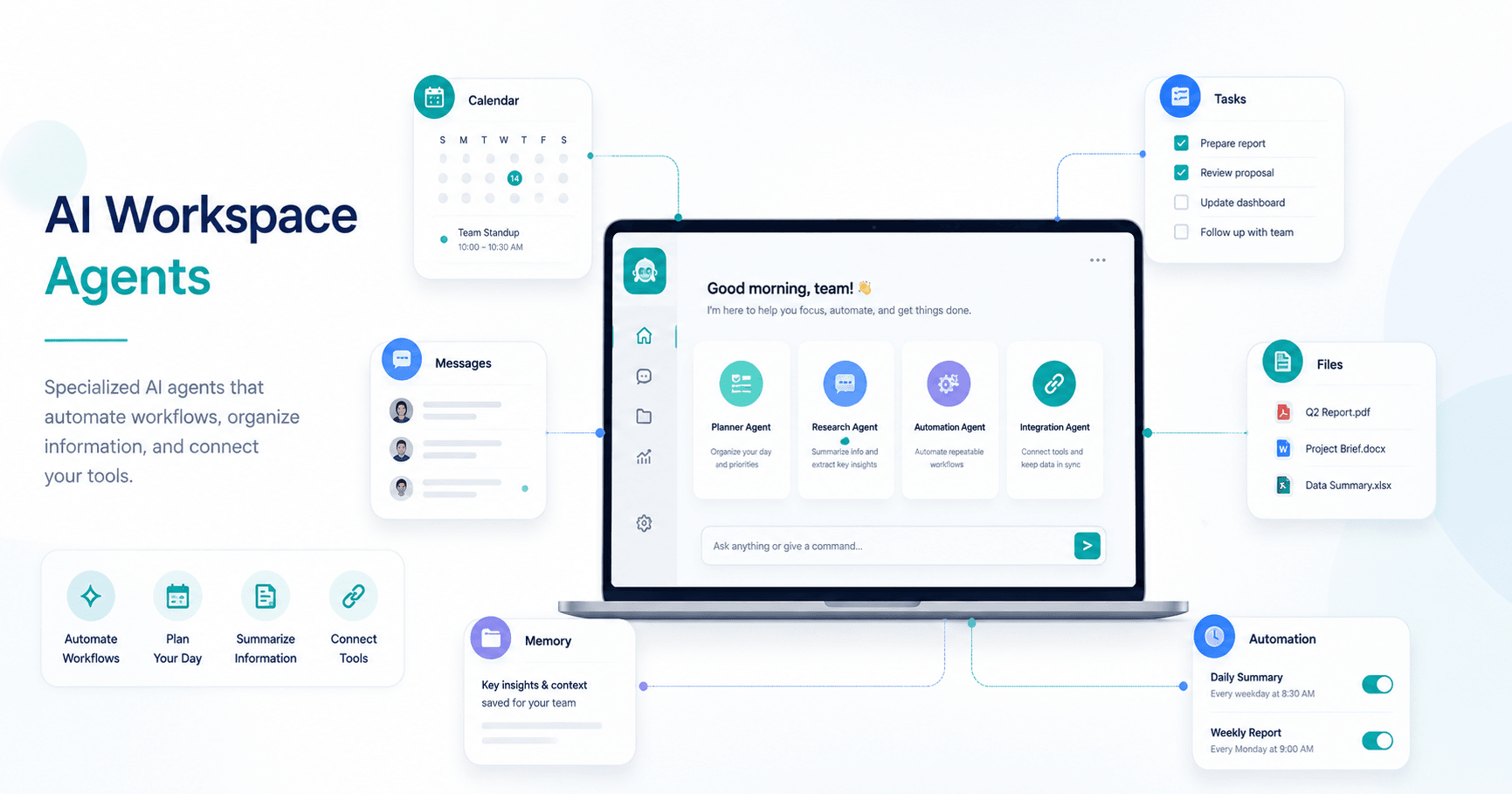

ChatGPT Workspace Agents are one of the most useful upgrades for teams that want to automate repeatable tasks inside their daily workflow. Instead of using ChatGPT only as a general assistant, workspace agents allow you to create specialized AI assistants that can understand a specific job, connect to tools, use files, remember information, and help complete tasks more consistently.
In simple terms, a workspace agent is a customizable version of ChatGPT built for a specific purpose.
For example, you could create an agent to plan your day, organize customer support requests, review marketing campaigns, help with design tasks, summarize team updates, or analyze project information. The main idea is simple: if your team does something repeatedly, you can turn that process into an agent.
What Makes Workspace Agents Different?
Custom GPTs already allowed users to create personalized assistants for repeatable tasks. Workspace agents are an evolution of that idea.
The difference is that agents can do much more.
They can connect to apps, access tools, use skills, work with files, store information in memory, and even run on a schedule. This means they are not just answering questions. They can help organize and execute parts of a workflow.
According to the transcript, workspace agents can currently be used inside ChatGPT and, in some cases, through channels like Slack. More channels may be added in the future.
Who Can Use ChatGPT Workspace Agents?
At the time described in the video, workspace agents are not available for every ChatGPT account.
They are mainly available for Business, Enterprise, and Education plans. Regular paid ChatGPT plans may not have access yet, and free accounts do not include this feature.
This is important because some users may look for the agent option and not find it. If the feature is missing, it may simply be because the account type does not support it yet.
How to Create a Workspace Agent
There are two main ways to build an agent.
The first option is to describe what you want using normal chat. This is the easiest method. You explain the task your team repeats, and ChatGPT helps build the agent automatically.
The second option is to use the agent builder manually. This gives more control, but it requires you to write instructions, add apps, configure skills, define behavior, and set up other details yourself.
For most users, the chat-based method is better because it removes much of the manual work.
A good way to start is by describing a real workflow. For example:
Create an agent that looks at my calendar, my tasks, and open Slack threads every morning, then turns them into a clear plan for my day.
From there, the builder can identify what the agent needs. It may suggest apps like Google Calendar, Asana, and Slack. It may also define when the agent should run, what information it should check, and what kind of output it should create.
Example: A Morning Planner Agent
One of the most useful examples from the video is a morning planner agent.
This agent checks your calendar, task manager, and team messages. Then it creates a daily plan based on your priorities, meetings, conflicts, and pending follow-ups.
Instead of manually opening several apps every morning, you can let the agent gather the information and organize it into a useful summary.
A good daily planning agent can show:
Top priorities for the day
Calendar conflicts
Important follow-ups
Messages that need replies
Risks or blockers
A recommended schedule
This type of agent becomes more useful when your calendar, tasks, and communication tools are already organized. The agent does not magically fix messy systems. It improves and optimizes the information you already have.
Agents Can Use Apps and Tools
One of the biggest advantages of workspace agents is app access.
An agent can connect to tools like Google Calendar, Slack, Asana, Notion, Dropbox, Intercom, HubSpot, Adobe apps, and others, depending on what is available in your workspace.
This makes the agent more powerful because it can work with real information from your business or personal workflow.
For example, a customer service agent could access support conversations. A design assistant could connect to design-related tools. A marketing agent could use project management and CRM data to help plan campaigns.
The more relevant access the agent has, the more useful it becomes.
What Are Skills in Workspace Agents?
Skills are specific abilities that help an agent perform a task better.
A skill can define a workflow, input format, rules, boundaries, and expected output. Think of skills as small instruction packages that give the agent specialized behavior.
The interesting part is that agents can sometimes create their own skills while being built. You do not always need to write every skill manually. The agent builder can identify what skills are needed and generate them as part of the setup.
For example, a marketing strategy agent might create skills for content planning, content review, lifecycle marketing, or marketing intelligence.
This makes agents more flexible because they are not limited to one basic instruction. They can be structured with multiple specialized capabilities.
Agents Can Have Memory
Workspace agents can also use a persistent memory folder.
This means they can save notes, drafts, outputs, and useful information over time. Instead of starting from zero every time, the agent can continue working with stored context.
This is useful for ongoing workflows.
For example, a design partner agent might save brand preferences, project notes, design feedback, or draft ideas. A planning agent might keep track of recurring priorities or common blockers.
This persistent memory makes the agent feel more like a long-term assistant rather than a one-time chatbot.
Agents Can Run on a Schedule
Another powerful feature is scheduling.
You can create an agent that runs automatically at a specific time. For example, the morning planner agent can run every day at 8 a.m.
This is useful because the agent does not depend only on manual prompts. It can become part of your routine.
A scheduled agent could:
Prepare a daily plan every morning
Summarize unread team messages
Review weekly project progress
Generate customer support reports
Check marketing campaign performance
Prepare a meeting briefing before a call
The value is not just automation. The value is consistency.
Templates Make the Process Easier
Workspace agents also include templates for common use cases.
Templates are helpful because they give users a starting point. Instead of creating everything from scratch, you can choose a template and adapt it to your needs.
Some examples mentioned in the transcript include marketing strategy, design support, customer service, task planning, and team workflows.
Even when using a template, you can still customize the agent based on your actual tools and process.
Sharing Agents With a Team
Workspace agents are especially useful in Business and Enterprise environments because they can be shared with other people in the workspace.
You can make an agent available to teammates, list it in an agent directory, or share a direct link. This allows a team to use the same assistant for a consistent workflow.
Chats created with agents can also be shared within the workspace. This is useful when the result of an agent’s work needs to be reviewed by others.
For example, a marketing agent could generate a campaign plan, and the chat could be shared with the team for feedback.
Best Use Cases for Workspace Agents
Workspace agents work best when the task is repeatable and follows a clear process.
Good use cases include:
Daily planning
Customer support summaries
Content marketing workflows
Audience research
Campaign analysis
Meeting preparation
Project updates
Design review
Internal documentation
Task prioritization
Team communication summaries
The key is to avoid building agents for vague tasks. The clearer the workflow, the better the agent will perform.
Important Tips Before Building an Agent
Before creating a workspace agent, it is useful to define the task clearly.
Ask yourself:
What task should this agent handle?
What apps or tools does it need?
What information should it read?
What should it never do?
What should the final output look like?
Should it run manually or on a schedule?
Who on the team should use it?
Clear instructions create better agents. If the agent has access to important business information, it is also important to define boundaries and safety rules.
Agents are powerful, but they need guidance.
Final Thoughts
ChatGPT Workspace Agents represent a major step forward from traditional custom GPTs. They are not just custom chatbots. They are practical AI assistants that can connect to tools, use skills, store memory, run on schedules, and support real workflows.
For individuals, they can help organize the day and reduce repetitive work.
For teams, they can standardize processes, improve productivity, and make important information easier to act on.
The best way to start is simple: choose one repeated task you already do every day or every week, describe it clearly, connect the tools it needs, and test the agent in real situations.
Workspace agents are most powerful when they are built around real work, not abstract ideas. When used correctly, they can become a practical part of how people plan, communicate, and execute tasks with AI.







Komentar0
Silakan masuk untuk meninggalkan komentar.