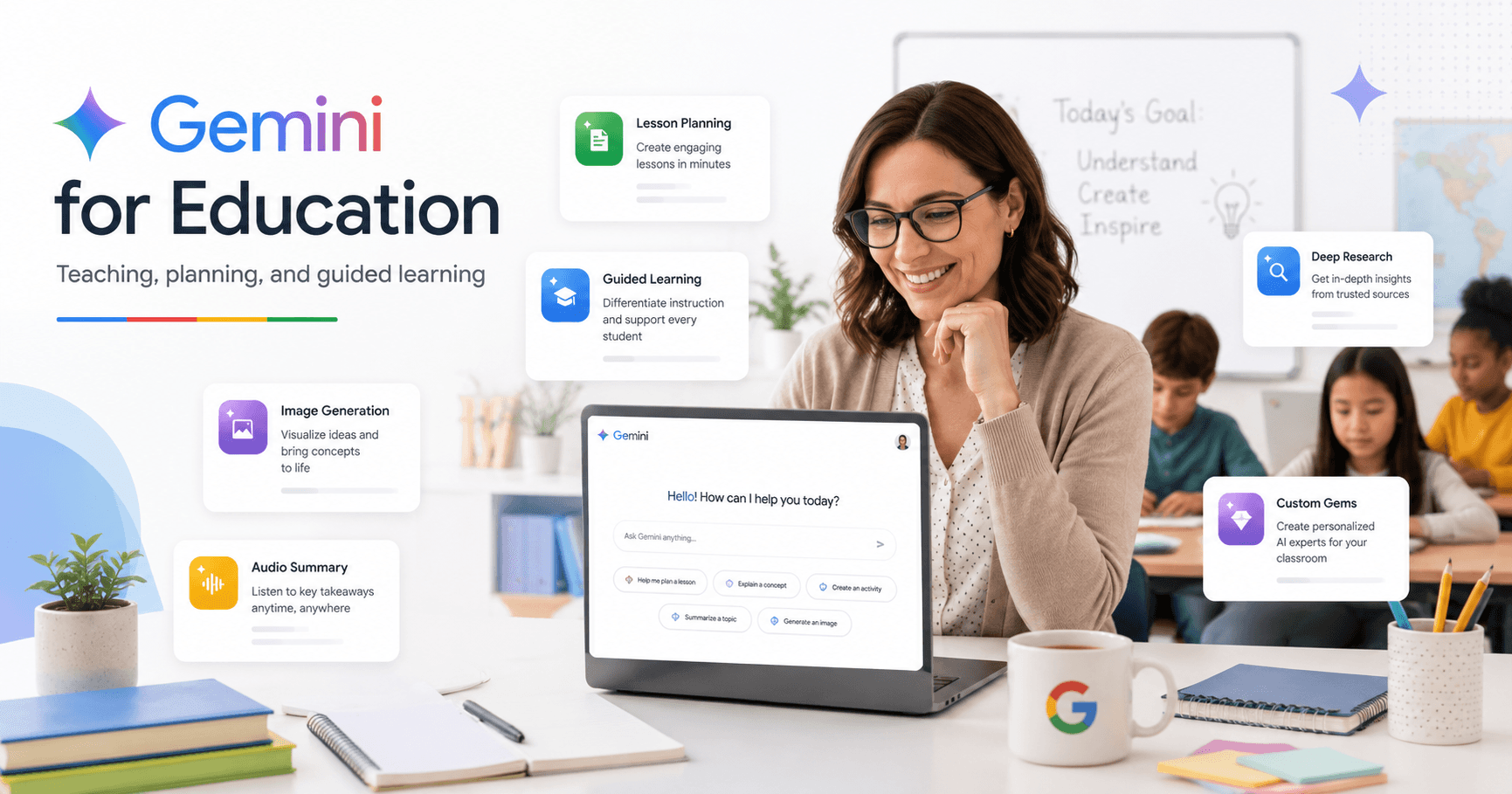

Google Gemini is becoming one of the most useful AI tools for education. For teachers, it can help create lesson plans, generate discussion questions, summarize research, build study activities, create images, and even guide students through learning without simply giving them the answers.
The most important point is that Gemini is not just a chatbot. When used correctly, it can become a teaching assistant, research partner, content creator, and personalized learning tool for the classroom. This article is based on a tutorial transcript about using Gemini in education.
Start with Your School Account
The first recommendation for teachers is simple: use Gemini through your school’s Google Workspace for Education account.
This matters for two reasons.
First, school accounts may include advanced features that are not available in a personal Gmail account. Depending on how your school or university manages Google Workspace, you may have access to tools that help with classroom planning, student support, research, and content creation.
Second, privacy is much better when using an education account. According to the tutorial, when teachers use Gemini through a school account, Google does not use that information for model training, research, human review, or advertising. This is especially important when working with student-related content.
If you do not see a feature shown in Gemini, the reason may be your IT administrator. Some tools need to be enabled by the school before teachers or students can use them.
Gemini Is Easy to Start Using
Gemini is simple at first glance. You open the tool, type a request, and receive an answer.
For example, a teacher can ask:
“Create discussion questions for The Great Gatsby.”
Gemini can quickly generate a list of questions that can be used in class, adapted for homework, or turned into a discussion activity.
This basic use is already helpful, but the real value comes when teachers learn how to use Gemini’s specialized tools.
Create Images for Lessons
Gemini can generate images directly from text prompts.
A teacher can write something like:
“Create an image of a 1920s mansion party inspired by The Great Gatsby.”
The more detail you give, the better the result usually becomes. Instead of asking for a generic image, describe the setting, mood, style, objects, colors, and purpose of the image.
This can be useful for:
Creating lesson visuals
Introducing historical periods
Building writing prompts
Supporting visual learners
Making slides more engaging
Creating classroom discussion starters
For literature, history, science, and language classes, image generation can help students visualize abstract or distant topics more easily.
Create Short Videos with Gemini
Gemini can also create videos using Veo, although this is currently a premium feature in many accounts.
A teacher can describe a scene, and Gemini can generate a short video with sound. The tutorial gives an example inspired by The Great Gatsby, with cars, a luxurious house, and a green light across the lake.
This can be useful for creating short visual introductions to a topic. For example, a teacher could generate:
A historical scene
A science process
A book-inspired setting
A language-learning scenario
A short visual hook for a lesson
Video generation takes longer than image generation, so teachers should be patient and expect to revise prompts to improve the result.
Use Canvas to Build Lesson Plans
Canvas is one of the most useful Gemini tools for teachers.
Instead of only receiving a response inside the chat, Canvas opens a separate editable workspace. It works almost like a document that you can co-create with Gemini.
For example, you can ask Gemini to create a lesson plan. Then, inside Canvas, you can manually edit the content or highlight a section and ask Gemini to revise only that part.
If the lesson plan says to use a whiteboard, but your classroom does not have one, you can highlight that section and write:
“I do not have a whiteboard. Please revise this activity.”
Gemini will adjust that specific part without rewriting the entire document.
When the lesson plan is ready, you can export it directly to Google Docs. This makes Canvas useful for teachers who want to create, edit, and organize classroom materials quickly.
Use Deep Research for Detailed Classroom Content
Deep Research is another powerful Gemini feature. It is designed for more complex research tasks.
A teacher can give Gemini a detailed research topic, and Gemini will create a structured plan before starting. The teacher can review or adjust the plan, then let Gemini complete the research.
This can take several minutes, but the result is usually much deeper than a normal chat response. It may include sections, tables, analysis, and a list of sources.
For teachers, Deep Research can help with:
Preparing background material
Building reading lists
Creating research guides
Finding primary sources
Developing advanced lesson content
Supporting student projects
One of the most useful parts is the source list. Teachers and students can review the materials used and explore the original sources.
Turn Research into Audio Summaries
After generating a long research report, Gemini can also create an audio summary.
This works almost like a podcast version of the research. Instead of reading a long report, a teacher can listen to the summary while driving, walking, or preparing for class.
This is useful because teachers often do not have time to read long documents during the school day. Audio summaries make it easier to review key information in a more flexible way.
A teacher could use this to prepare for a new unit, review a topic before class, or quickly understand a research report generated by Gemini.
Guided Learning Helps Students Learn, Not Cheat
One concern many teachers have is that students may use AI to do their work for them.
Gemini’s Guided Learning mode is designed to reduce this problem. Instead of simply giving students the final answer, it guides them through the learning process.
For example, if a student asks Gemini to write an essay, Gemini may respond by offering to discuss the topic, brainstorm ideas, or help structure the argument. If the student insists and asks Gemini to “just write it,” Guided Learning still tries to guide the student instead of completing the assignment directly.
The same idea applies to math worksheets. Gemini can help students understand the process, but it should not simply fill in every answer.
This creates a more Socratic experience. Gemini asks questions, encourages thinking, and supports the student step by step.
It is not perfect, and students can still misuse AI in other ways, but Guided Learning is a better educational model than simple answer generation.
Use Gems as Custom Teaching Assistants
Gems are custom AI agents inside Gemini.
A teacher can create a Gem for a specific task and reuse it whenever needed. Instead of explaining the same instructions again and again, you build those instructions into the Gem once.
For example, a biology teacher could create a “Biology Lesson Planner” Gem. This Gem could already know:
The grade level
The textbook used
The preferred lesson format
The teaching style
The type of activities required
The assessment structure
Then, whenever the teacher needs a new lesson plan, they can use that Gem instead of starting from zero.
Gems can save a lot of time because they turn repeated teaching tasks into reusable workflows.
Create Gems for Students
Teachers can also create Gems for students.
For example, a history teacher could create a Gem that helps students learn about the American Civil War by chatting with a fictional Union soldier. The Gem can be designed to answer questions using period-appropriate information and guide students through historical thinking.
A literature teacher could create a Gem for a book like Fahrenheit 451, helping students explore themes, characters, research topics, and discussion ideas.
These Gems can also be assigned through Google Classroom, turning them into study assistants or guided learning activities.
This is one of the most interesting uses of Gemini in education because it lets teachers design custom AI experiences for specific lessons.
Gemini Can Support, But Not Replace, Teaching
Gemini is powerful, but it does not replace the teacher.
The teacher still decides the learning goal, reviews the content, adapts it for students, and checks whether the material is appropriate. Gemini can speed up planning and give new ideas, but human judgment is still essential.
The best use of Gemini is not to automate everything. It is to reduce repetitive work and give teachers more time to focus on students.
Gemini can help create a first draft, but the teacher should always refine it.
Final Thoughts
Google Gemini can be a valuable tool for teachers when used with intention.
It can help create lesson plans, images, videos, research summaries, audio overviews, student activities, and custom AI assistants. Features like Canvas, Deep Research, Guided Learning, and Gems make Gemini especially useful in education.
The best way to start is simple: use your school account, try small classroom tasks, and gradually explore the advanced tools. Over time, Gemini can become a practical assistant that helps teachers plan better, save time, and create more engaging learning experiences.







Komentar0
Silakan masuk untuk meninggalkan komentar.