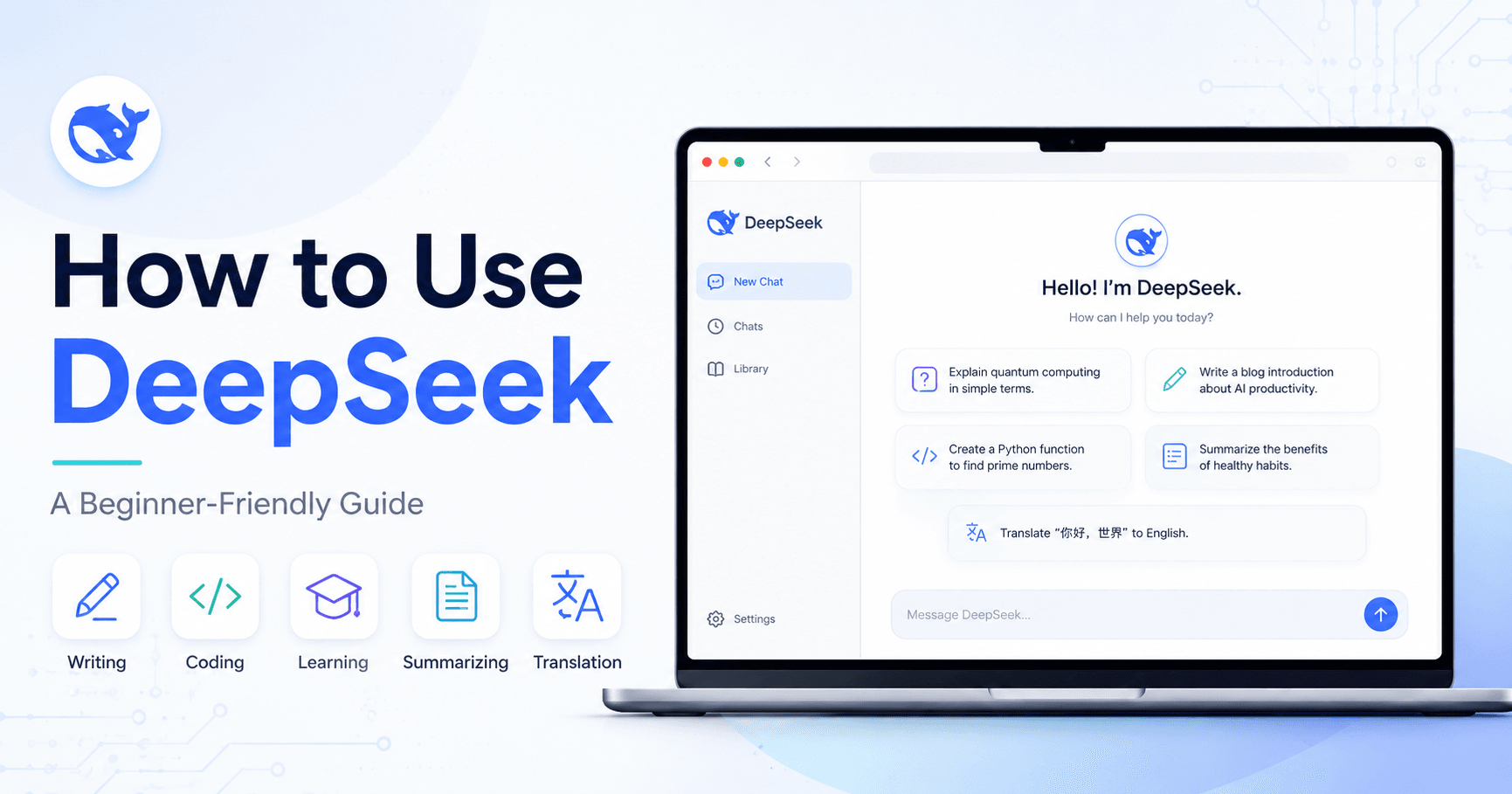

DeepSeek has quickly become one of the most talked-about AI tools because it offers many of the same benefits people expect from ChatGPT, while also bringing strong reasoning features, web search, coding support, and the option to run models locally.
For beginners, the easiest way to understand DeepSeek is simple: it is an AI assistant that can help you write, learn, brainstorm, summarize, code, translate, and solve problems. You type what you need, and DeepSeek gives you an answer based on your request.
Getting Started with DeepSeek
To begin, go to the DeepSeek website and create an account. After logging in, you will see a dashboard similar to other AI chat tools. There is a message box where you type your prompts, a chat history area, and options to start new conversations.
Creating separate chats helps keep different tasks organized. For example, you can have one chat for emails, another for coding, and another for studying.
DeepSeek also includes important modes such as DeepThink R1 and Search. DeepThink R1 is designed for deeper reasoning, while Search allows DeepSeek to browse the web when your question needs updated information.
DeepSeek vs ChatGPT
DeepSeek is often compared to ChatGPT because both tools work in a similar way. You type a prompt, and the AI responds. However, DeepSeek stands out because of its reasoning model, affordability, and open-source options.
At the time discussed in the tutorial, DeepSeek was free to use, while some advanced reasoning features in other AI tools required paid plans. Another advantage is that some DeepSeek models can be downloaded and run locally on your own computer.
DeepSeek can also show parts of its reasoning process, which helps users understand how it approaches a problem. This is useful for learning, coding, math, and complex planning.
However, users should also be aware of limitations. Like many AI tools, DeepSeek may use user data for training, may not answer every type of question, and server availability can sometimes be an issue.
Writing Professional Emails
One of the simplest ways to use DeepSeek is for writing emails. You can ask it to create a professional message for almost any situation.
For example:
“Write a professional email to a client explaining a delay in project delivery.”
DeepSeek can generate a clear and polite email that you can copy into Gmail or another email platform. The best approach is to use the response as a first draft, then add your own details before sending it.
You can also ask DeepSeek to rewrite the message in a different tone, make it shorter, sound more friendly, or include specific information.
Creating Content Faster
DeepSeek can help with blog posts, social media captions, YouTube scripts, TikTok scripts, ad copy, and Instagram Reels.
For example:
“Write a 300-word blog post about the benefits of remote work.”
DeepSeek can create a useful first version with structure, tone, and even SEO keyword ideas. It is not recommended to publish AI-generated content without editing, but it can save time during research and writing.
For short-form content, you can ask:
“Create a 15-second Instagram Reel script about the benefits of remote work. Include an engaging hook and a clear call to action.”
The more context you give, the better the result will be. Explain the audience, tone, goal, platform, and desired length.
Learning New Topics
DeepSeek can work like a personal tutor. You can ask it to explain difficult topics in simple terms.
For example:
“Explain quantum computing in simple terms.”
Instead of searching through several websites, DeepSeek can summarize the topic, break it into sections, compare it to something familiar, and explain why it matters.
This is useful for students, professionals, creators, or anyone who wants to learn faster. You can also ask follow-up questions like:
“Explain it like I’m 12.”
“Give me a real-world example.”
“Create a study plan for this topic.”
Coding Assistance
DeepSeek is especially useful for coding because its reasoning abilities help it understand problems step by step.
You can ask it to write code, explain code, debug errors, or suggest improvements. For example:
“Write a Python function to calculate the Fibonacci sequence.”
DeepSeek can generate the function, explain how it works, and show examples of how to use it. This makes it helpful for both experienced developers and beginners learning programming.
It can work with many languages, including Python, JavaScript, HTML, CSS, and more. You can also use it to build small games, fix bugs, or understand unfamiliar code.
Resume and Cover Letter Help
DeepSeek can help job seekers improve resumes and cover letters. You can ask it to write a cover letter for a specific role, improve an existing resume, or give feedback on your application.
Example prompt:
“Write a cover letter for a software engineer position at a tech startup.”
The result usually includes a strong structure that you can customize with your name, experience, skills, and achievements. You can also paste your current resume and ask DeepSeek to improve it for a specific job description.
Brainstorming Ideas
DeepSeek is useful when you need ideas. You can ask it to help plan meals, generate business ideas, create project names, organize a schedule, or come up with content topics.
For example:
“Give me five business ideas I can start for under $100. I want to work from my laptop, and I am a good writer.”
With this context, DeepSeek can suggest ideas that match your skills and budget. The more details you include, the more personalized the suggestions become.
Translation and Language Learning
DeepSeek can translate text into different languages, but it can also go beyond simple word-for-word translation. You can ask it to explain how native speakers would say something, provide pronunciation, or teach you grammar.
For example:
“Translate ‘Hello, how are you?’ into French, Spanish, and Mandarin.”
You can also use DeepSeek as a language tutor by asking it to roleplay conversations, correct your sentences, or quiz you on vocabulary.
Summarizing Texts, Websites, and Documents
Another powerful use case is summarization. DeepSeek can summarize long articles, websites, PDFs, documents, or pasted text.
For example:
“Summarize this page in 100 words or less.”
This is helpful when you need to understand long or complex information quickly. You can also ask questions about a document, such as:
“What are the main points?”
“What action items are mentioned?”
“Explain this in simpler language.”
For business users, this can be useful for reports, spreadsheets, financial statements, meeting notes, and research documents.
Creating Study Guides
Students can use DeepSeek to create study materials. For example:
“Create a 500-word study guide on the most common phrases in Spanish.”
DeepSeek can organize the material into categories, include examples, and give practice tips. You can also ask it to create flashcards, quizzes, summaries, or mock exams.
Roleplaying for Practice
DeepSeek can simulate conversations, which makes it useful for practicing interviews, sales calls, language learning, or difficult conversations.
Example prompt:
“Let’s roleplay a job interview for a data analyst position. You act as the interviewer and ask me three questions.”
After you answer, DeepSeek can give feedback and suggest a better response. This is a practical way to prepare for real situations in a low-pressure environment.
Creative Writing
DeepSeek can also help with creative writing. You can ask it to write short stories, poems, letters, character ideas, dialogue, or scene descriptions.
Example:
“Write a short story about a robot discovering human emotions. Keep it under 200 words.”
This can be useful for writers who need inspiration or want a starting point. The best results usually come when you give clear instructions about style, length, theme, and tone.
Solving Math and Analytical Problems
DeepSeek is strong at analytical tasks, especially when using its reasoning model. You can ask it to solve math problems, explain formulas, analyze data, or walk through logic-based questions.
For example:
“I have a circle with a diameter of 7 cm. What is the area of the circle? If I double the diameter, what would the new area be?”
DeepSeek can show the steps and explain the answer. This makes it useful for students and anyone working with numbers, data, or structured reasoning.
Running DeepSeek Locally
One advanced feature of DeepSeek is that some models can be downloaded and run locally. This means you may be able to use a version of DeepSeek on your own computer instead of relying only on the website.
Tools like Ollama, LM Studio, and AnythingLLM can help users run local AI models with a better interface. This is more technical and not necessary for most beginners, but it can be useful for people who want more privacy, offline access, or control.
Final Thoughts
DeepSeek is a flexible AI assistant that can help with everyday tasks, professional work, learning, coding, writing, brainstorming, and problem-solving. For most beginners, the best way to learn it is simple: open the platform, choose a task, and start testing prompts.
You do not need to master every advanced feature right away. Start with practical use cases like writing emails, summarizing text, learning new topics, or creating content. As you get more comfortable, you can explore deeper reasoning, web search, API access, and local installation.







Komentar0
Silakan masuk untuk meninggalkan komentar.