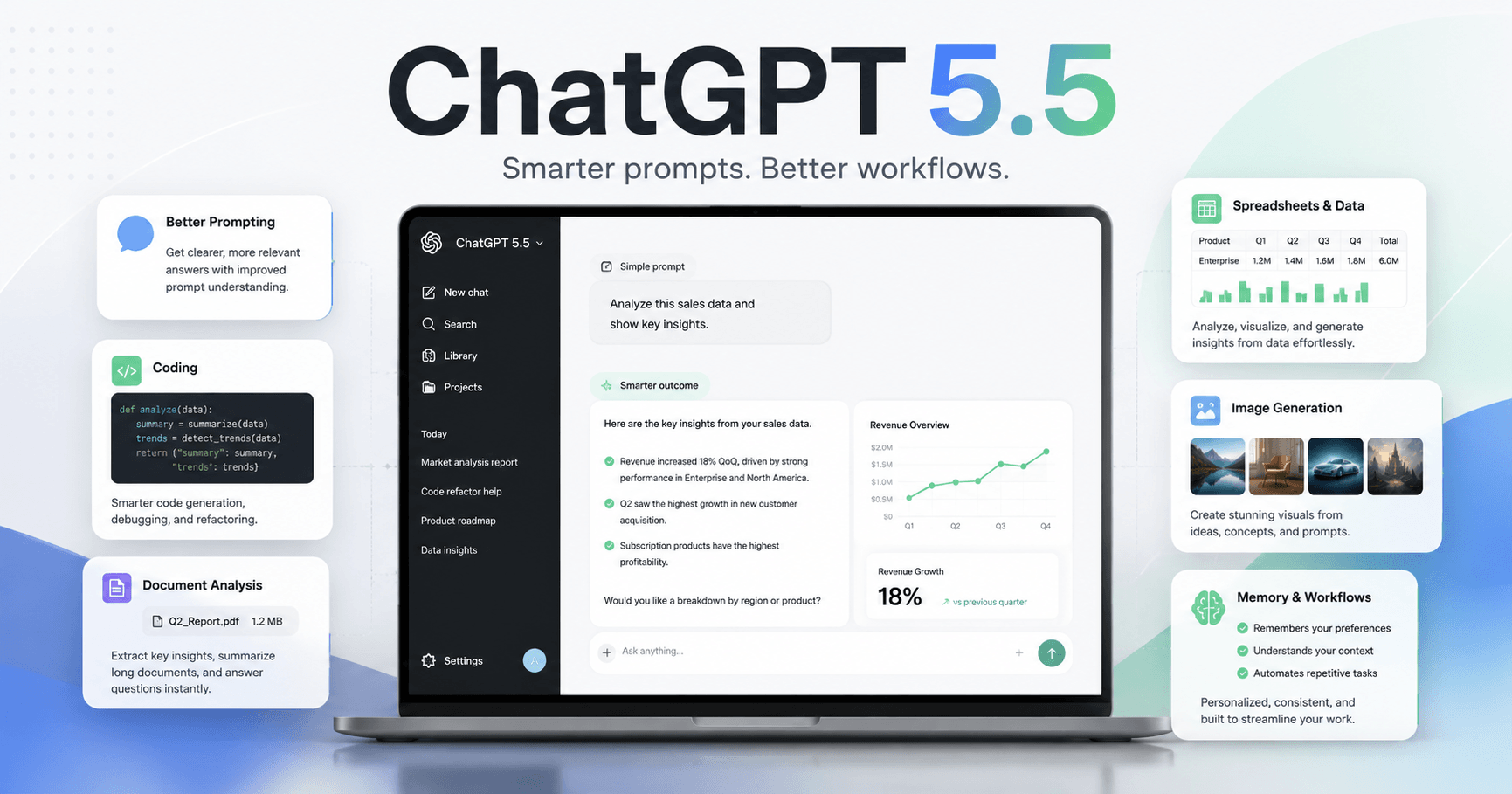

ChatGPT 5.5 is not just a small update. According to the transcript, the main change is in the model’s foundation: it received new pre-training, making it smarter from the ground up, not only through reasoning improvements added on top.
This changes how people should use the tool, because before, many users depended on heavier reasoning modes to get good answers. Now, for many tasks, the model can deliver better results faster and more directly.
In practice, this means users no longer need to always choose the most advanced or slowest mode. One of the biggest mistakes people make is continuing to use ChatGPT the same way they used older versions: huge prompts, too many required steps, and always choosing the longest reasoning mode.
With 5.5, the idea is different. The model understands the final goal better, so it works best when you clearly explain the result you want.
What’s New in ChatGPT 5.5
The first major improvement is that the base model is stronger. Before, reasoning worked almost like a compensation layer for a model that needed to “think harder” to reach a good answer. Now, instant mode becomes truly useful for common tasks such as writing quick texts, translating, summarizing, organizing ideas, and answering simple questions.
Another important point is what the transcript calls “restraint.” Instead of creating huge answers, unnecessarily complex code, or exaggerated explanations, ChatGPT 5.5 tends to deliver what is needed in a cleaner way.
For people who use AI for work, this matters a lot. A good model is not the one that always answers more. It is the one that understands when it should be simple.
The transcript also highlights improvements in tasks involving images, PDFs, tables, diagrams, and screenshots. This makes the model more useful for analyzing complex documents, interpreting visual data, and explaining information that previously required much more manual effort.
There are also improvements in image generation, automatic memory, token efficiency, and larger context capacity in the API. For frequent AI users, this can mean faster answers, fewer limits consumed, and better continuity between conversations.
Which Mode to Use in Each Situation
One of the most useful parts of the transcript is the explanation of ChatGPT 5.5’s modes.
Instant mode is recommended for quick tasks: simple questions, brainstorming, translations, content ideas, messages, light revisions, and everyday answers.
Thinking Standard is better for more serious tasks, such as programming, document analysis, structured writing, planning, problem-solving, and multi-step work.
Thinking Extended should only be used when the task is truly complex. For example: refactoring a large system, making architecture decisions, analyzing multiple sources at once, or solving a problem that the standard mode could not handle.
Pro mode is described as a more specialized option, focused on critical tasks such as legal, scientific, medical, or quantitative analysis. But it has limitations: it may not include features like memory, canvas, apps, or image generation. So “more advanced” does not always mean “better for everything.”
The New Way to Write Prompts
The biggest change is not only in the model, but also in how you should talk to it.
Before, it was common to write long prompts like:
“First analyze this, then compare that, then check this point, then consider these details, and only then deliver the answer.”
This type of prompt can still work in some cases, but with ChatGPT 5.5 it can get in the way. Since the model understands the objective better, prompts with too many rules can limit the answer or make the AI overthink.
The new pattern is more direct:
“Create a market analysis for a sustainable hiking gear brand. I need the top 3 customer segments, 3 competitors with weaknesses, and a market size estimate.”
This kind of request is clearer because it focuses on the result. You say what you want to receive, with which characteristics, without trying to control every internal step of the model.
Why More Thinking Is Not Always Better
A common mistake is believing that the more reasoning the model uses, the better the answer will be. The transcript explains that this is no longer true in many cases.
When a task is simple and you force the deepest mode, the model may start overcomplicating things, creating unnecessary layers, and looking for problems that are not there.
That is why a good practice is to use automatic mode or start with the simpler mode. If the answer is not good enough, then you increase the reasoning level.
In other words: use more power when you need it, not out of habit.
ChatGPT 5.5 or Claude?
The transcript also compares ChatGPT 5.5 with Claude. The conclusion is balanced: both can be useful, depending on the type of work.
ChatGPT 5.5 is presented as stronger in programming, data analysis, images, brainstorming, quick decisions, and spreadsheet tasks. It also stands out for writing cleaner, more direct code without making things unnecessarily complex.
Claude, on the other hand, is still described as better for long-form writing with more style, scripts, essays, authorial voice, project workflows, mobile use, and creating materials in formats such as presentations, spreadsheets, and PDFs.
The most honest recommendation is: use both if you can. If you can only choose one, choose based on your main use case. For code, data, images, and fast productivity, ChatGPT 5.5 may be the better choice. For long and refined writing, Claude may still have an advantage.
Practical Use Cases
The video brings several interesting real-world examples.
One example is creating a simple game in HTML, CSS, and JavaScript, such as Pong with a scoreboard and restart button. The model can generate a functional first version with clean code and no unnecessary excess.
Another example is turning a messy CSV into an executive dashboard with metrics such as recurring revenue, subscribers, churn, and traffic sources. This shows how ChatGPT can help people who work with sales, finance, marketing, or data analysis.
There are also examples involving thumbnail creation, logos, interior design mockups, meeting analysis, contract review, post ideas, and writing feedback.
The main point is that ChatGPT 5.5 should not be seen only as a chatbot. It works better as a work tool: you provide a clear goal, files when necessary, and ask for a practical output.
Tips to Use It Better
The first tip is to stop starting everything with the heaviest mode. Use instant or automatic mode and let the model decide when it needs to think more.
The second tip is to start with the standard mode before using extended mode. Many times, standard mode is already enough.
The third tip is to write prompts focused on the outcome. Say what you need to receive, in which format, and with which criteria.
The fourth tip is to separate planning and execution. For long projects, first ask for a plan. Then, in a new conversation, ask the model to execute the first step. This prevents the context from becoming too heavy and improves the quality of the output.
The fifth tip is to build a good memory and workflow system. Models change all the time. Today one model is better, tomorrow another one may take the lead. What really remains is how you organize your processes, examples, writing patterns, and important information.
Is ChatGPT 5.5 Worth Learning?
Yes, especially if you use AI for work, study, content creation, programming, document analysis, or speeding up repetitive tasks.
But the most important thing is not just knowing the new features. The real difference is learning how to use the tool with intention. People who ask generic questions receive generic answers. People who know how to explain the goal, provide context, and request a clear output get much better results.
ChatGPT 5.5 represents an important evolution: it is faster, more direct, better at analyzing different types of content, and less dependent on huge prompts.
For users, this means a simple but powerful change: stop trying to control every step of the AI and start explaining the result you want more clearly.
In the end, the best use of ChatGPT does not come from memorizing ready-made commands. It comes from building a good workflow, testing, reviewing, and adapting the tool to your own reality.







Komentar0
Silakan masuk untuk meninggalkan komentar.